Android localization
for strings.xml files
Manage Android XML string resources, auto-translate with AI, and sync with your project via CLI.

We power your product localization
From first commit to global launch



Why Android teams
use SimpleLocalize
Android localization starts simple: a strings.xml in res/values/and a copy per locale. But as your app grows to 10+ languages, keeping XML files in sync across branches becomes painful. Translators editing XML by hand introduce broken placeholders and merge conflicts.
SimpleLocalize acts as the single source of truth for your translations. Upload strings.xml via CLI, translate with AI or your team, and download clean XML files ready for your Android project. No manual XML editing, no merge conflicts. Learn how to manage Android string resources effectively.

Built for the Android localization workflow
From strings.xml to production, SimpleLocalize fits into every step of your Android i18n pipeline.
How it works
From strings.xml to production in 3 steps
A CLI-first workflow that keeps your Android translations in sync with every release.
Upload source strings.xml
Run simplelocalize upload to push your source res/values/strings.xml file. All <string>, <plurals>, and <string-array> entries are preserved.
Translate & review
Auto-translate with DeepL or OpenAI, then review in the online editor. Printf placeholders and plural forms are validated automatically.
Download & integrate
Run simplelocalize download to pull translated XML files into your res/values-{lang}/ directories. Ready for your Gradle build.
For a step-by-step walkthrough, see the getting started guide.
Ready to simplify Android localization?
Start a free project and upload your first strings.xml file in minutes.
Start for freeCLI pipeline
From strings.xml to production
in two commands
Upload your source locale, translate in the cloud, and pull back clean XML files ready for your Android project.
Add these commands to your CI/CD pipeline for fully automated localization with every build. Read the Android strings format documentation or get started with the CLI.
One project
for Android, iOS, and Flutter
Building a cross-platform app with native components? Manage all translations in a single SimpleLocalize project and export each platform's format separately.
Android (XML)
Upload and download strings.xml files with full support for plurals and string arrays. Works with standard Android resource directories.
iOS (Strings)
Export .strings and .stringsdict files for native iOS components. Same keys, same project.
Flutter (ARB)
Export .arb files for Flutter apps. Works with flutter gen-l10n and the Intl package.

Why SimpleLocalize
Built for Android developers
Developer-first tooling that fits the Android localization workflow.
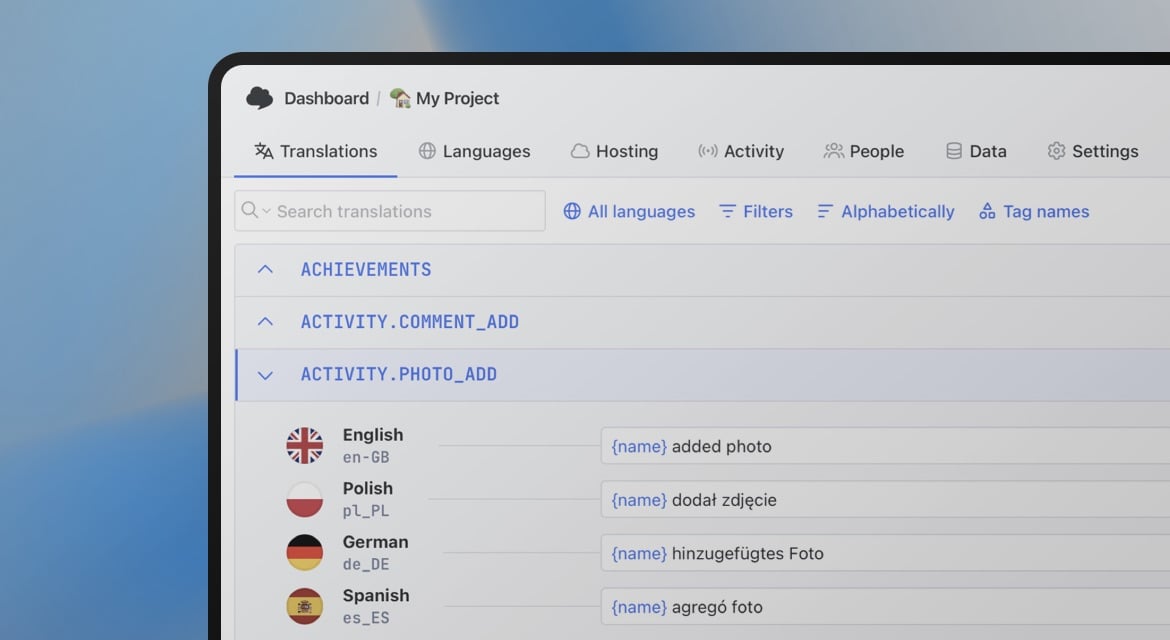
Start localizing your Android app today
- All-in-one localization platform
- Web-based translation editor for your team
- Auto-translation, QA-checks, AI and more
- See how easily you can start localizing your product.
- Powerful API, hosting, integrations and developer tools
- Unmatched customer support
"The product
and support
are fantastic."
"The support is
blazing fast,
thank you Jakub!"
"Interface that
makes any dev
feel at home!"
"Excellent app,
saves my time
and money"
Android localization resources
Guides and tutorials for Android localization with SimpleLocalize.
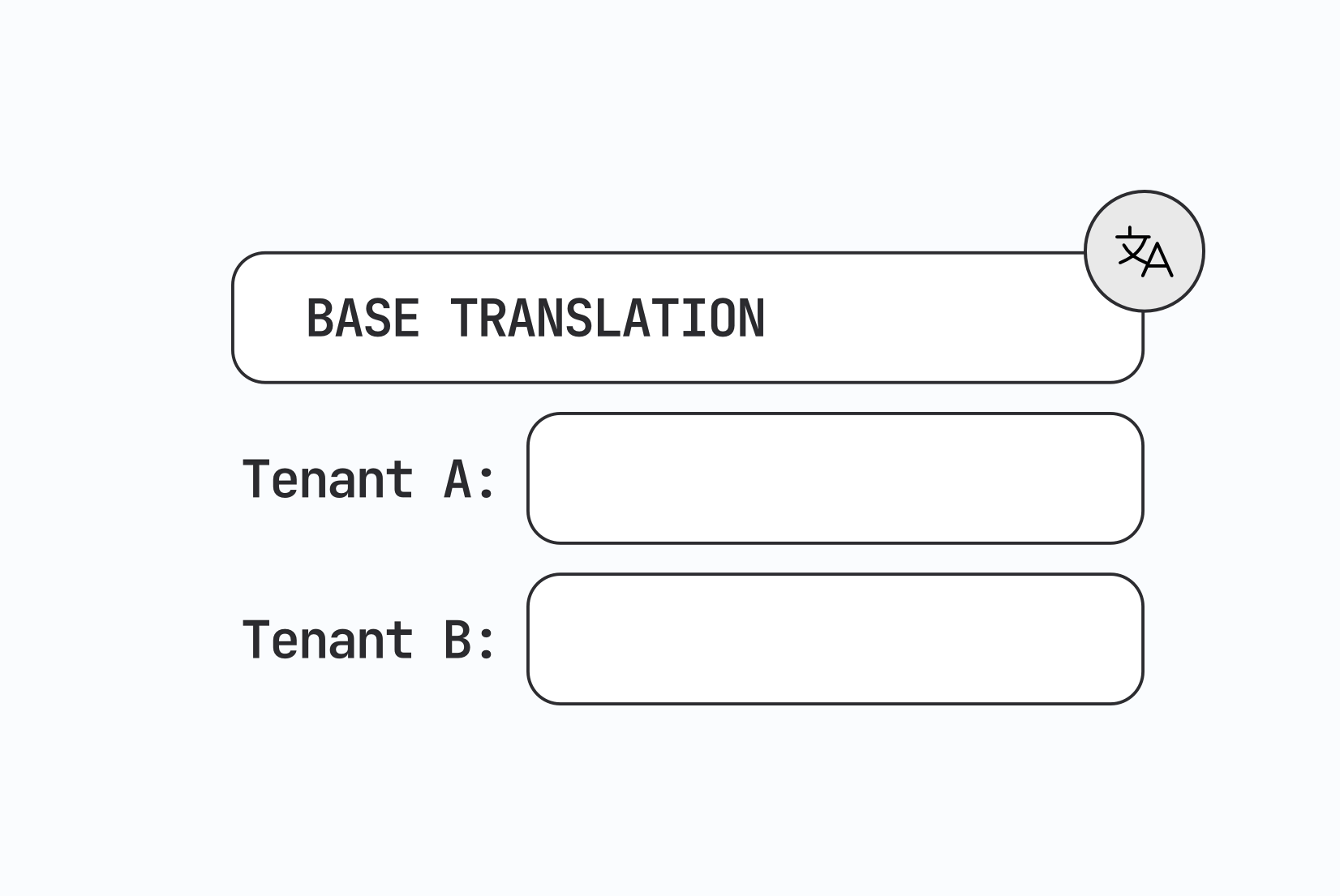
Designing multi-tenant localization systems
How to design multi-tenant localization: data models for tenant-specific translations, fallback order, CDN delivery, caching, permissions, and a working setup with customer contexts in SimpleLocalize.

Vue.js i18n: The complete guide to localizing Vue and Nuxt apps
Learn how to internationalize and localize Vue 3 and Nuxt apps with vue-i18n. Covers setup, translation files, pluralization, locale detection, lazy loading, CI/CD integration, and SimpleLocalize workflows.
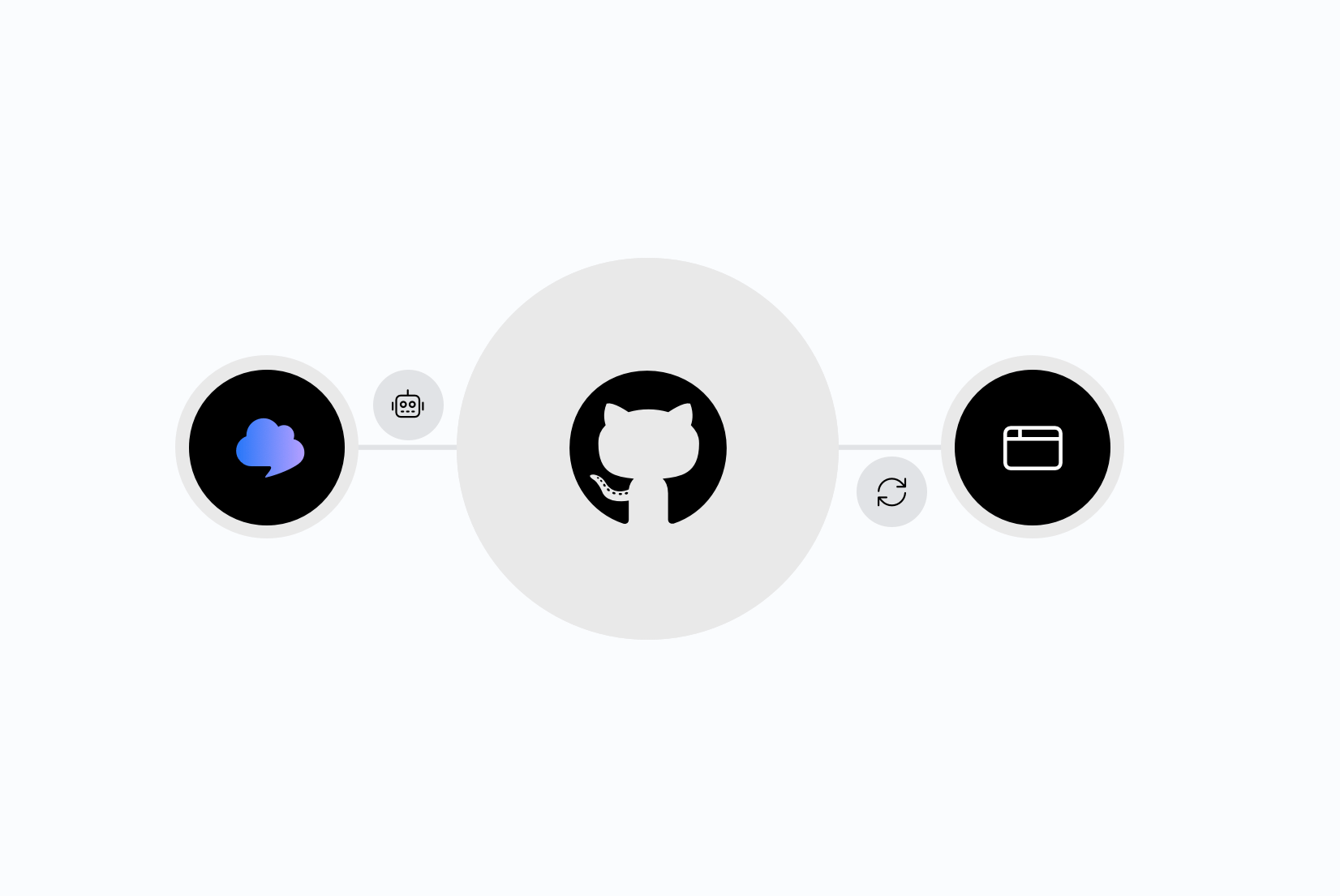
Integrating AI translation into your CI/CD pipeline
Stop treating translation as a manual step before release. Learn how to trigger AI translations automatically on every GitHub push, using SimpleLocalize CLI or the GitHub App.
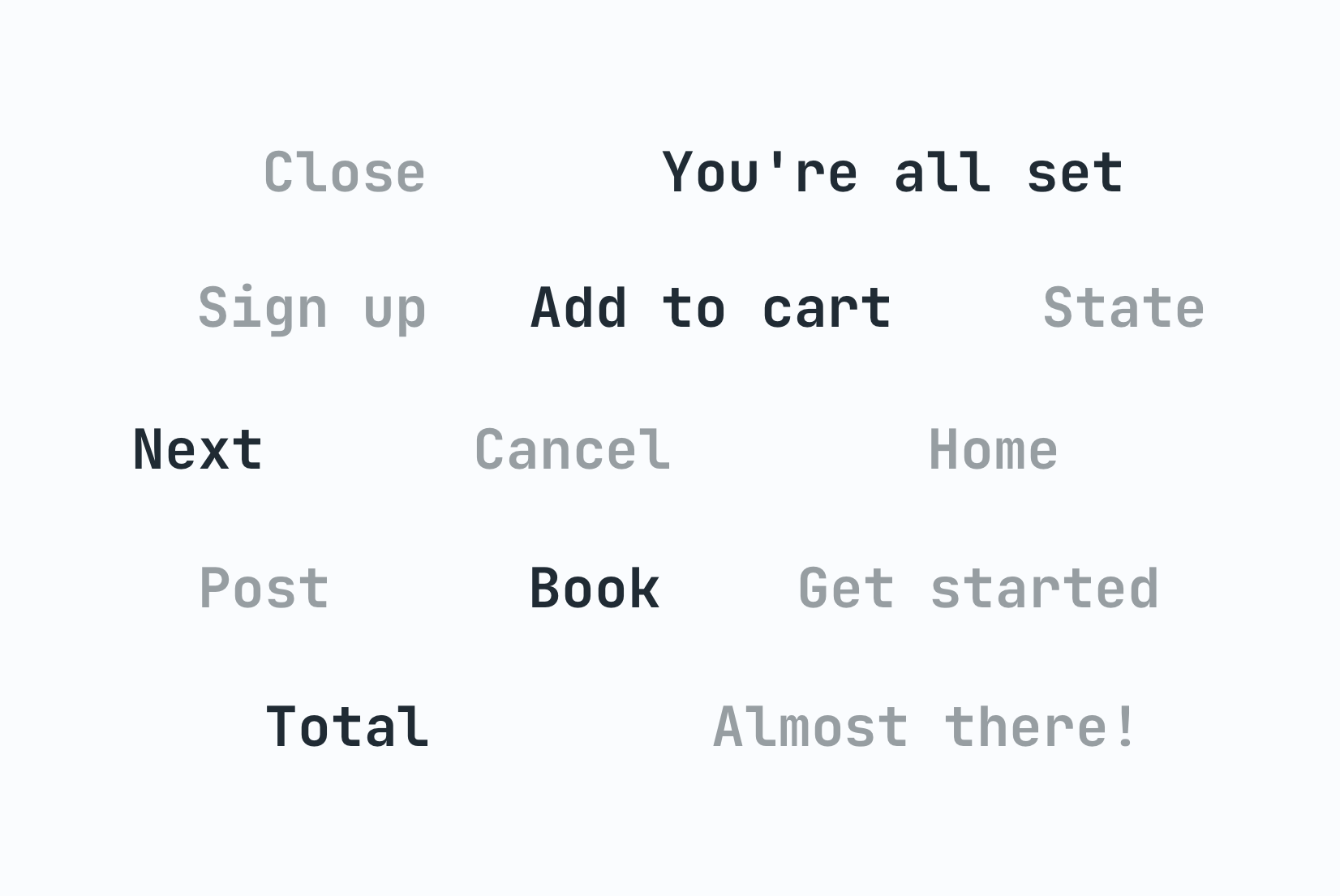
Why machine translation breaks UI strings (and how to fix it)
Machine translation often breaks UI strings through missing context, character limits, and grammar rules other languages don't follow. Here's why, and how to fix it.

The role of context in AI translation: Why it matters and how to use it
Why context is the single biggest factor in AI translation quality, and how to structure project context, key descriptions, and glossaries for accurate results.
Android String resources: Complete guide to localizing Android apps
Learn how to manage Android string resources, plurals, and arrays. A technical guide to localizing Android XML files with SimpleLocalize for seamless translation workflows.
Frequently asked questions
How does SimpleLocalize handle strings.xml files?
SimpleLocalize natively supports the Android XML string format. When you upload a strings.xml file, all <string>, <plurals>, and <string-array> resources are parsed and preserved. When you download, you get clean XML files that drop directly into your res/values-{lang}/ directories. Printf placeholders and plural forms are validated across all languages to catch errors early.
What does the CLI to strings.xml pipeline look like?
The typical workflow is: run simplelocalize upload to push your source res/values/strings.xml, translate in SimpleLocalize (manually or with AI), then run simplelocalize download to pull translated XML files for all locales into res/values-{lang}/strings.xml. Add these commands to your CI/CD pipeline for fully automated localization with every build.
Can I manage Android, iOS, and Flutter translations in one project?
Yes. SimpleLocalize uses a universal format internally, so one project can hold all your translation keys and export them as Android XML, .strings/.stringsdict (iOS), or .arb (Flutter). This is ideal for teams building cross-platform apps with native components. You translate once and export to every format your app needs.
How does SimpleLocalize keep strings.xml files in sync across branches?
The SimpleLocalize CLI acts as the single source of truth for translations. Instead of editing strings.xml by hand in different branches, every branch pulls the latest translations from SimpleLocalize. This eliminates merge conflicts in XML files and ensures every build uses consistent, up-to-date translations. You can integrate the upload and download commands into CI/CD pipelines so syncing happens automatically.
Does SimpleLocalize support Android plurals and string arrays?
Yes. SimpleLocalize fully supports <plurals> resources with all Android quantity values (zero, one, two, few, many, other) and <string-array> resources. Plural forms are validated per language according to CLDR rules, so missing or incorrect plural cases are caught before they reach production.
What i18n features does SimpleLocalize support for Android?
SimpleLocalize supports Android XML string resources including printf-style placeholders (%s, %d, %1$s), plurals, and string arrays. Placeholder validation catches mismatched format specifiers across all target languages. You can also use auto-translation with DeepL, Google Translate, or OpenAI, set up no-code automations, and deliver translations via CDN for over-the-air updates. See our developer localization platform page for the full feature set.