Translate TSV
Translation Files
TSV (Tab-Separated Values) uses tabs instead of commas, so translations with punctuation, quotes or addresses import cleanly with no escaping. Upload your file, auto-translate, and export it back.
key	english	spanish	french
welcome	Welcome!	¡Bienvenido!	Bienvenue!
login.title	Sign In	Iniciar Sesión	Se connecter
address.example	123 Main St, Suite 100	Calle Principal 123	123 Rue Principale
Why teams use TSV for translations
A TSV file must start with a header row, where the first column is always key, followed by one column per language. Every value is separated by an actual tab character, and no other separator is supported, which is exactly why TSV avoids CSV's escaping rules altogether.
Commas, quotes and addresses can sit in a value without any quoting, since tabs rarely appear in human-readable text. That makes TSV a cleaner fit than CSV once your content gets messy.
# TSV: no escaping needed
message	He said "Welcome!"

# CSV: requires quoting
"message","He said ""Welcome!"""
Beyond key and value
What SimpleLocalize keeps from your TSV files
Optional description column
Read automatically as a code description for translators, no extra setup needed.
Optional namespace column
Group related keys with a namespace column, matching how your project organizes translations.
No escaping rules
Commas, quotes and apostrophes in a value need no special handling, unlike CSV.
key column required
The first column must be named key. Language columns can follow in any order.
End-to-end workflow
Translate a TSV file end to end
Upload your TSV file, run auto-translation across every language, and download it back in the same tab-separated structure.
simplelocalize upload \
  --apiKey PROJECT_API_KEY \
  --uploadFormat tsv \
  --uploadPath ./translations.tsv
Upload your TSV file
1translations.tsv to SimpleLocalize with the CLI. The key column and any optional description or namespace columns are recognized automatically.simplelocalize upload \
--apiKey PROJECT_API_KEY \
--uploadFormat tsv \
--uploadPath ./translations.tsv \
--uploadOptions UPDATE_DESCRIPTIONSDescriptions land as code context
2UPDATE_DESCRIPTIONS to overwrite a translator's own notes instead.key english spanish
welcome Welcome! ¡Bienvenido!
login.title Sign In Iniciar SesiónAuto-translate every language
3simplelocalize download \
--apiKey PROJECT_API_KEY \
--downloadFormat tsv \
--downloadPath ./translations.tsvDownload back to TSV
4Choosing between TSV and CSV
Reach for TSV when your content includes commas, quoted dialogue or addresses, or when you are exporting from a database or analytics tool that defaults to tab-delimited output.
Reach for CSV when you need maximum compatibility with business tools and translators who expect a comma-separated file by default, and your content itself is plain text.
key	english	description	namespace
welcome	Welcome!	Main welcome message	home
login.title	Sign In	Login page title	auth
For developers
A localization platform,
not just a spreadsheet parser
TSV is a fine starting point. SimpleLocalize gives your team a real editor, review workflow and automation around it.
Optional description column
A description column is read automatically as translator context, no extra setup needed.
Optional namespace column
Group related keys with a namespace column, matching how your project organizes translations.
AI auto-translation
Translate new and changed rows with DeepL, Google Translate, OpenAI, Claude or Gemini.
CLI and REST API
Upload and download TSV files from the CLI, or automate the same logic through the REST API.
Every spreadsheet tool
Where TSV translations are used
Any tool that can open a plain text table can open a TSV file.

Microsoft Excel

Google Sheets

LibreOffice Calc

Apple Numbers
More conversions
Convert TSV to other formats
Free online converter, no account required. Upload a TSV file and download it in the format you need.
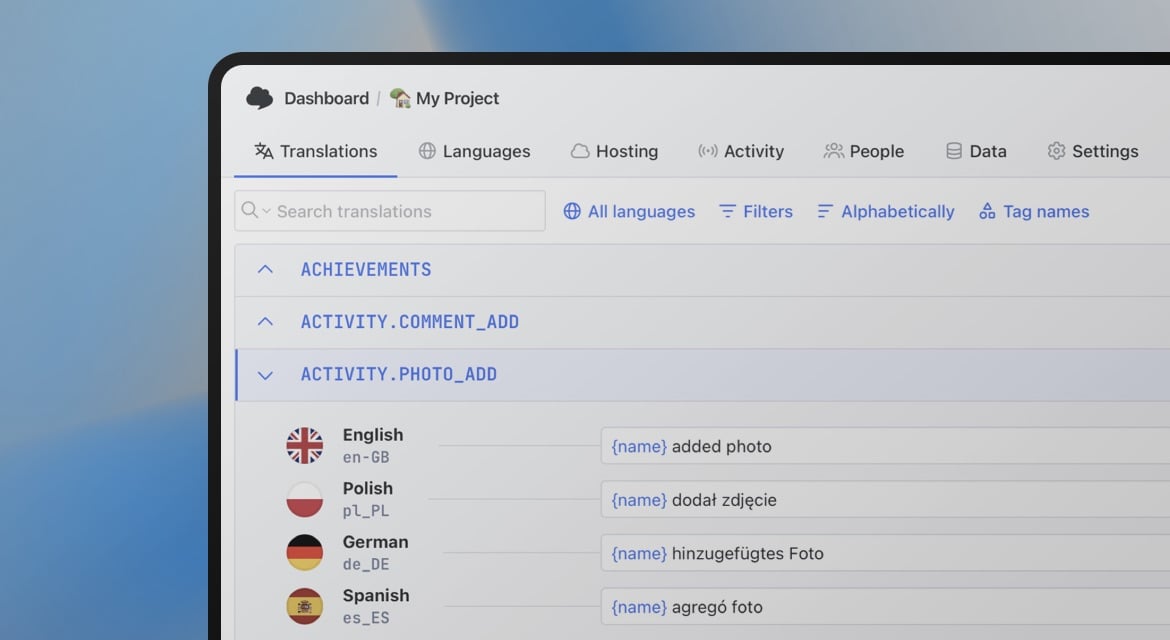
Start translating TSV files
- No escaping rules for commas, quotes or addresses
- Optional description and namespace columns, read automatically
- Auto-translation with DeepL, Google, OpenAI, Claude and Gemini
"The product
and support
are fantastic."
"The support is
blazing fast,
thank you Jakub!"
"Interface that
makes any dev
feel at home!"
"Excellent app,
saves my time
and money"
Resources
See the latest news from our blog, including product updates, tutorials, and more.

How to use Markdown in Android and iOS translations
Learn how to show bold, italic, and other Markdown styling from translations in Android and iOS apps. iOS supports Markdown natively, and on Android you can convert it to HTML or use a library.
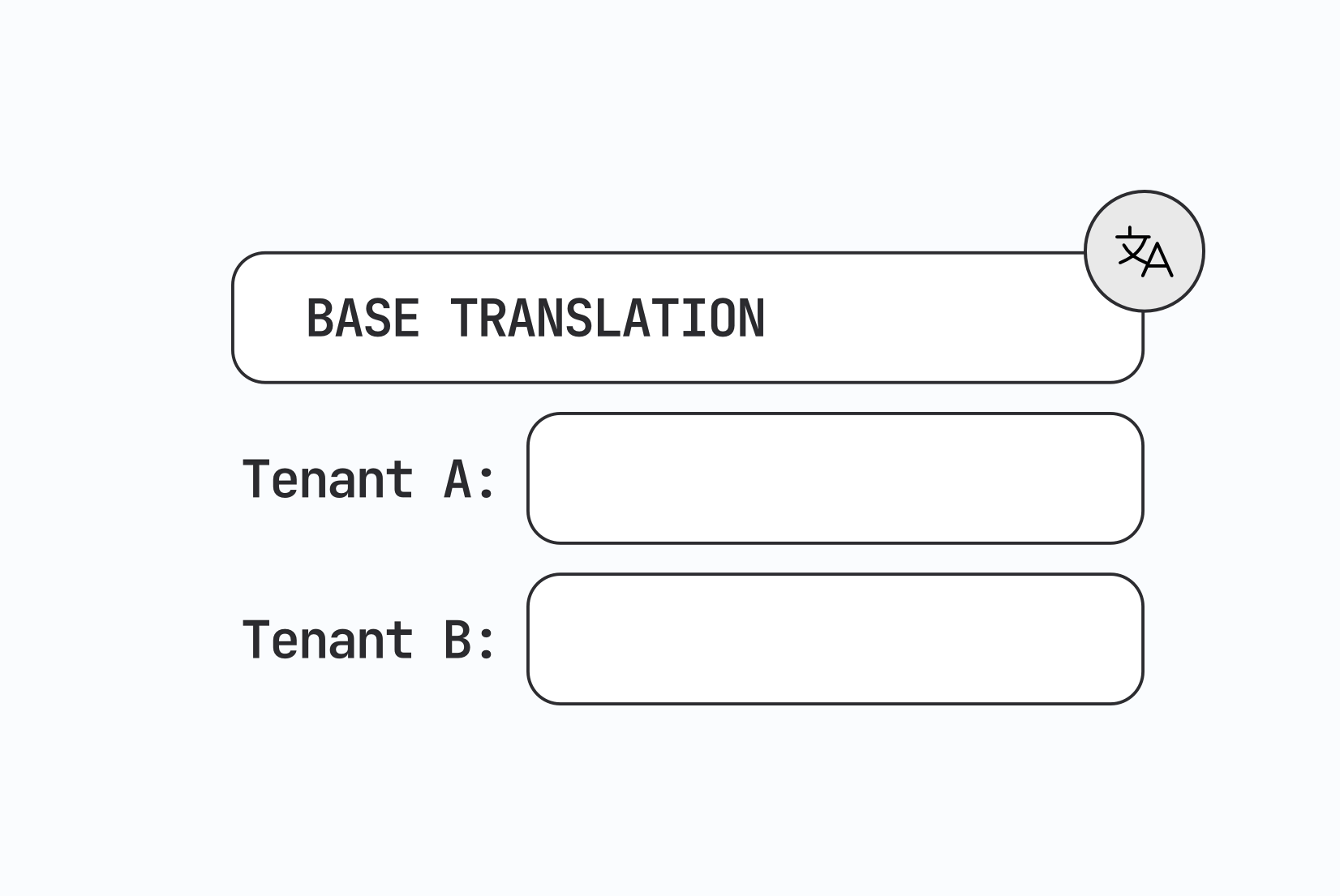
Designing multi-tenant localization systems
How to design multi-tenant localization: data models for tenant-specific translations, fallback order, CDN delivery, caching, permissions, and a working setup with customer contexts in SimpleLocalize.

Vue.js i18n: The complete guide to localizing Vue and Nuxt apps
Learn how to internationalize and localize Vue 3 and Nuxt apps with vue-i18n. Covers setup, translation files, pluralization, locale detection, lazy loading, CI/CD integration, and SimpleLocalize workflows.
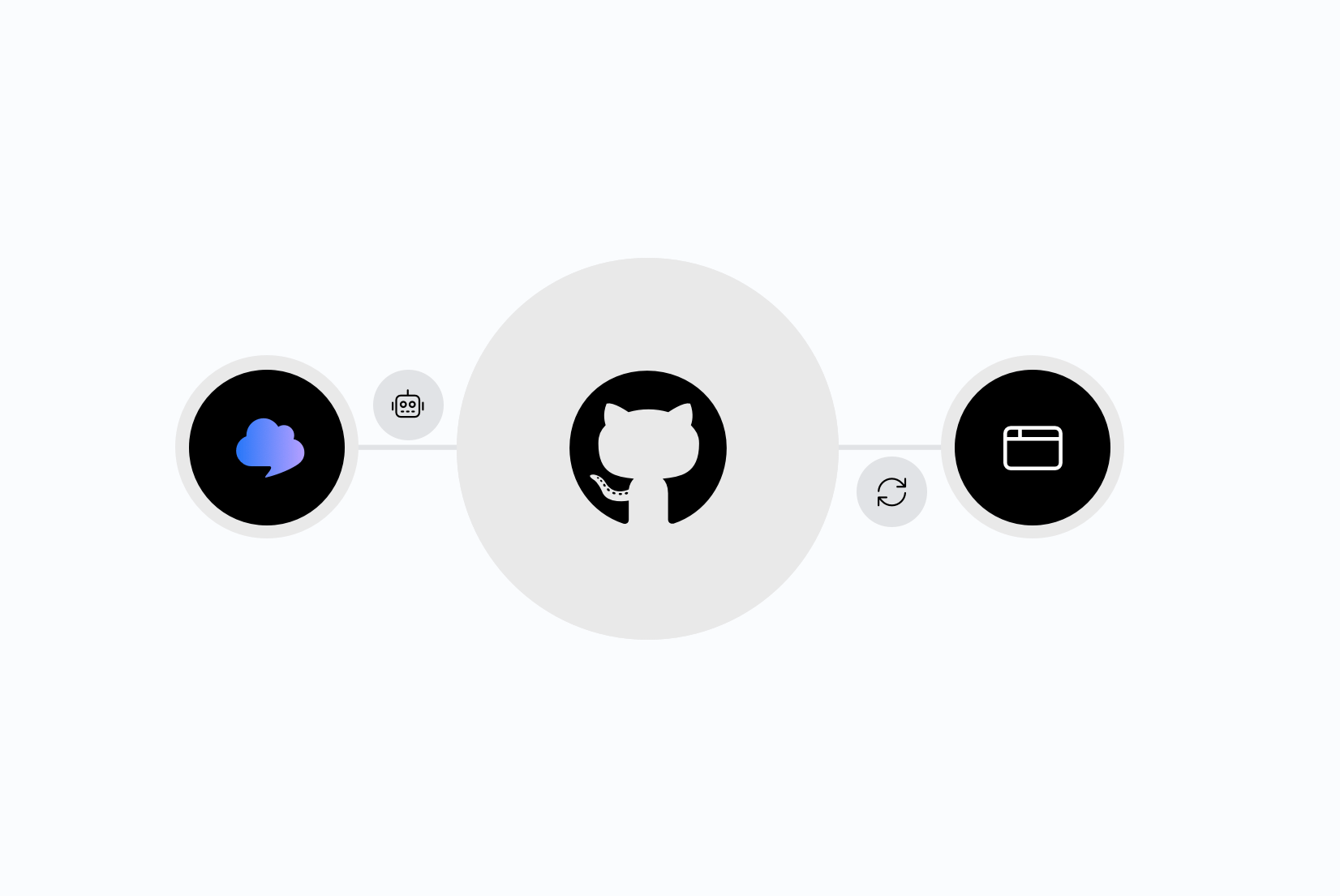
Integrating AI translation into your CI/CD pipeline
Stop treating translation as a manual step before release. Learn how to trigger AI translations automatically on every GitHub push, using SimpleLocalize CLI or the GitHub App.
Why machine translation breaks UI strings (and how to fix it)
Machine translation often breaks UI strings through missing context, character limits, and grammar rules other languages don't follow. Here's why, and how to fix it.
The role of context in AI translation: Why it matters and how to use it
Why context is the single biggest factor in AI translation quality, and how to structure project context, key descriptions, and glossaries for accurate results.
Frequently asked questions about TSV files
What's the difference between TSV and CSV?
TSV uses tab characters to separate values instead of commas, so text containing commas, quotes or other punctuation doesn't need escaping the way CSV requires.
What does the header row need to look like?
The first column must be named key. Every other column is a language code, in any order, and only tabs are recognized as a separator.
Does SimpleLocalize support description and namespace columns?
Yes. Both are optional columns you can add to your TSV file, read automatically as translator context and key grouping.
Will re-uploading my file overwrite a translator's notes?
Not by default. A description column is uploaded as a code description and won't overwrite what a translator wrote manually, unless you add the UPDATE_DESCRIPTIONS upload option.
Can I convert TSV to another format?
Yes. Upload a TSV file and export to JSON, YAML, Excel, or any other supported format from the same project.