Why machine translation breaks UI strings (and how to fix it)

Paste a full sentence into DeepL or Google Translate and you usually get something you can publish. Paste a UI string like "Save" or "3 items selected" and the result is far less predictable. Sometimes it's correct. Sometimes it's grammatically wrong. Sometimes it's technically right and still confusing to the person reading it.
UI strings are a different kind of text than the paragraphs machine translation engines were trained on, and that difference is the reason so many localized apps still read strangely in Spanish, Polish, German, or Japanese even after every string has technically been translated. This post breaks down six specific reasons why, with concrete fixes for each one. For the full strategy on using machine translation effectively in your localization pipeline, see our guide to AI machine translation.
This post goes through the specific reasons machine translation fails on UI strings, with real examples in Spanish and Polish, and what actually fixes each problem.
UI strings are short, and short text hides meaning
A sentence gives a translation engine grammatical structure to work with: subject, verb, object, tense. A UI string like "Home" or "Close" gives it almost nothing.
Take the English word "Close". Depending on where it appears in a product, it could mean:
- Close this window (a button)
- Close this ticket (a status change)
- Nearby (as in "Close to you," a location feature)
In Spanish, these are three different words: cerrar (shut something), cerrar again for the ticket case, but cerca for the location meaning. A machine translation engine fed only the word "Close" with no surrounding sentence has to guess, and it often guesses based on which meaning shows up most often in its training data, not which meaning applies to your product.
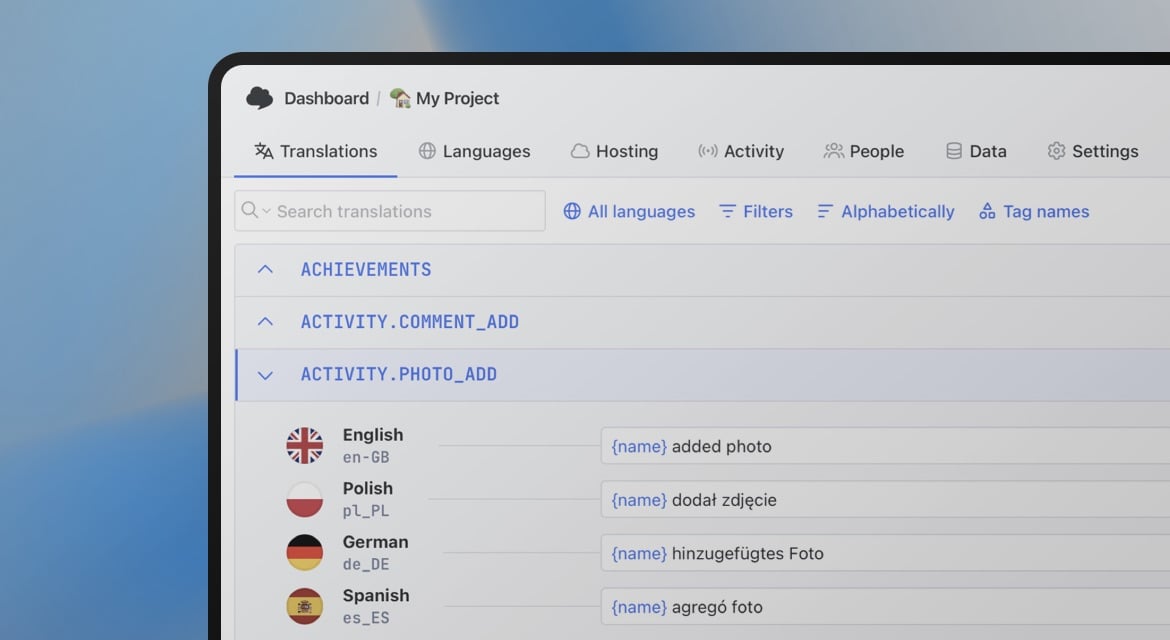
The fix is not a better translation engine, but giving the engine something to disambiguate against: a key name, a short description, or a screenshot. This is what people usually mean when they talk about context in translation, and it's the single biggest lever for fixing this category of error.

Character limits get ignored completely
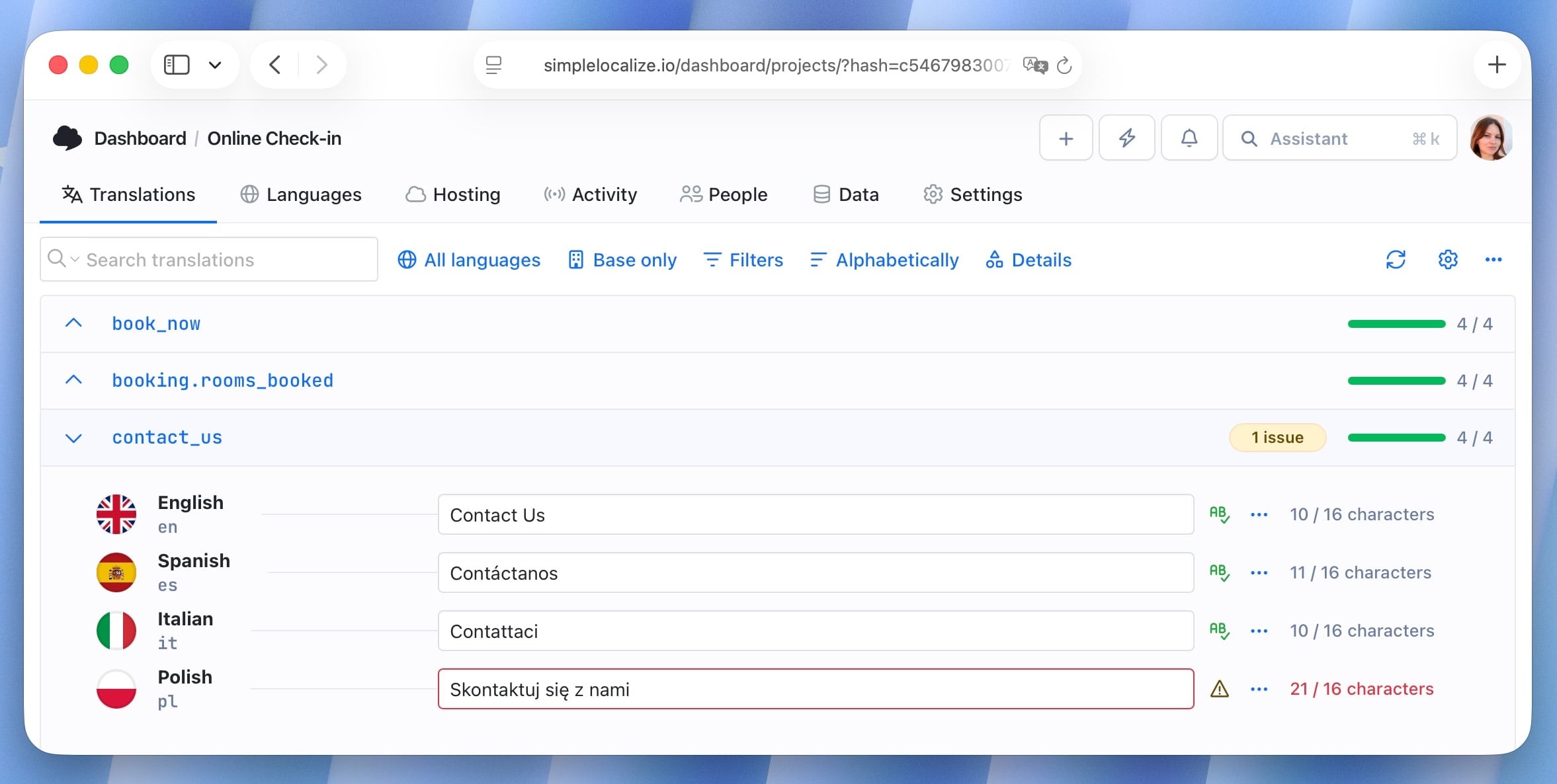
Machine translation has no idea that the string it just translated needs to fit inside a 90px button.
English UI copy is usually the shortest version of a given piece of text. German and Finnish translations frequently run 30 to 40% longer. Spanish tends to run 15 to 25% longer. A button that says "Save changes" in English becomes Guardar cambios in Spanish, which is already longer. A button that says "Next" in English becomes Siguiente, Continuar or Próximo in Spanish, all of which are longer than the original.
Machine translation engines don't know your layout constraints exist. They'll happily return a translation that's technically correct and visually breaks your button, your table column, or your mobile nav.
Two things fix this in practice:
- Pass a character limit alongside the string so the model (or a post-processing step) can favor shorter phrasing.
- Test layouts with pseudo-localization before real translations exist, so text expansion problems surface early instead of after a release.
Formality and tone don't translate automatically
English mostly avoids the question of formality. "You" works whether you're addressing a teenager or a bank's compliance officer. Spanish and Polish don't give you that option.
Spanish has tú (informal) and usted (formal), and the verb conjugation changes depending on which one you use. A fintech app targeting a younger, casual audience in Mexico might want tú throughout, but the same app targeting enterprise users in Spain might expect usted. Machine translation engines default to whichever form is statistically more common in their training data, which is often not the one that matches your brand. These kinds of cultural choices around tone and formality are explored more deeply in our guide on culture-aware UX patterns, which covers how voice, terminology, and interaction style vary across markets.
This is a setting issue, and it needs to be specified before translation happens, not corrected after. If you're running AI translation through a tool that accepts tone and formality instructions, set it once at the project or the language level so every string inherits it. For more on establishing consistent voice and formality across a product, see our guide on best practices in software localization.
Literal translation breaks idioms and UI conventions
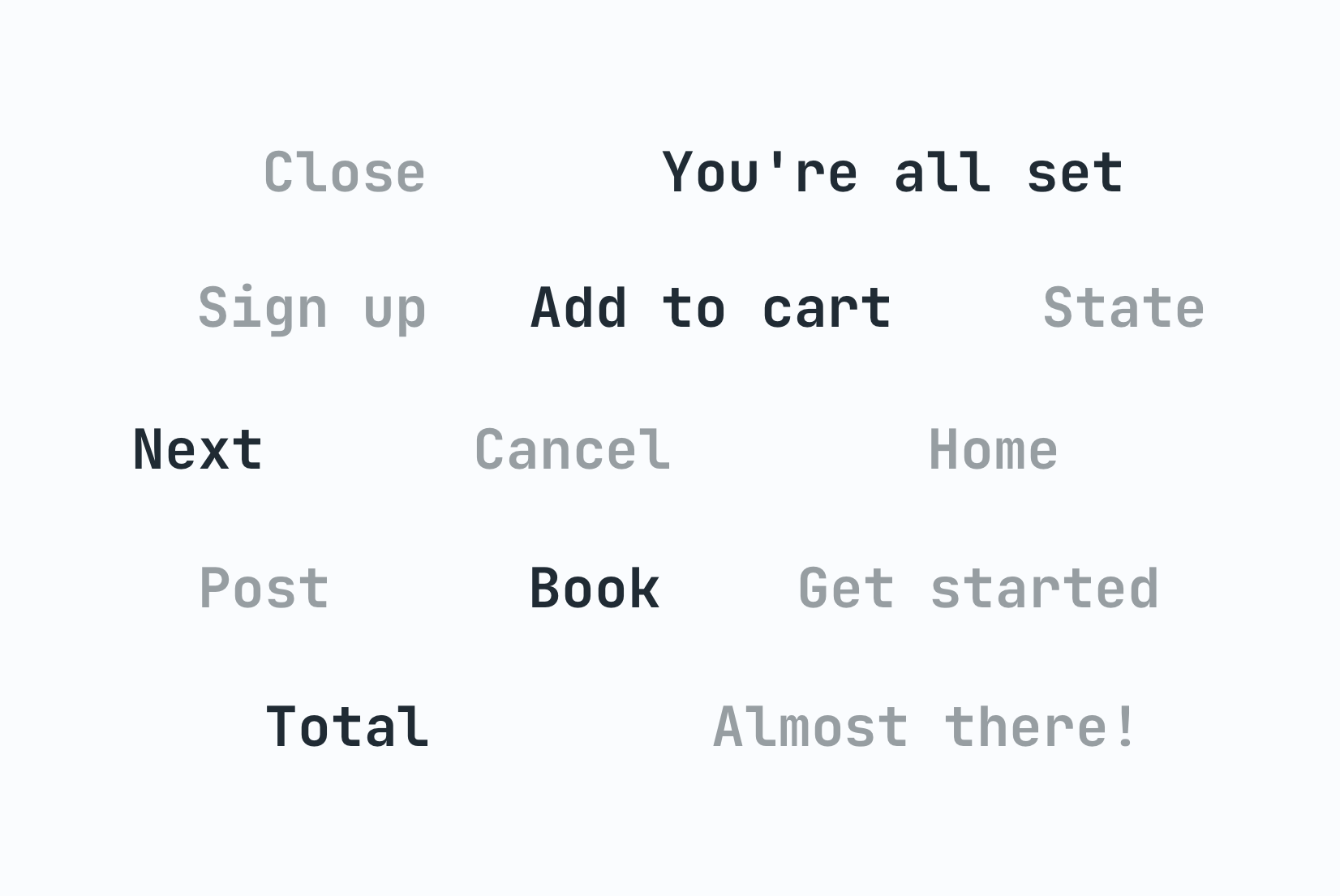
Machine translation is very good at literal accuracy and often bad at conventional phrasing. English UI copy leans heavily on short idiomatic phrases: "Get started", "You're all set", "Oops, something went wrong". Translated literally, these sound like an English speaker's idea of the target language rather than something a native speaker of that language would actually write.
"You're all set" translated word for word into Spanish produces something closer to "you are completely placed", which nobody says. The natural equivalent is closer to Todo listo or Ya está, phrases that don't map word for word onto the English original at all.
This is where pure machine translation consistently underperforms, because it optimizes for closeness to the source text, not for how a native speaker would actually phrase the same idea in their own product. A human reviewer, or an AI model prompted specifically to produce natural UI copy rather than a literal rendering, handles this far better.
If you're comparing machine translation against AI-assisted translation for your project, idiomatic UI copy like error messages and onboarding flows is exactly where the gap between the two shows up most clearly. For a structured approach to balancing automation with review, see our guide on AI-powered localization workflows, which covers when to use pure automation and when to introduce human checkpoints.
Placeholders and variables get mistranslated or moved
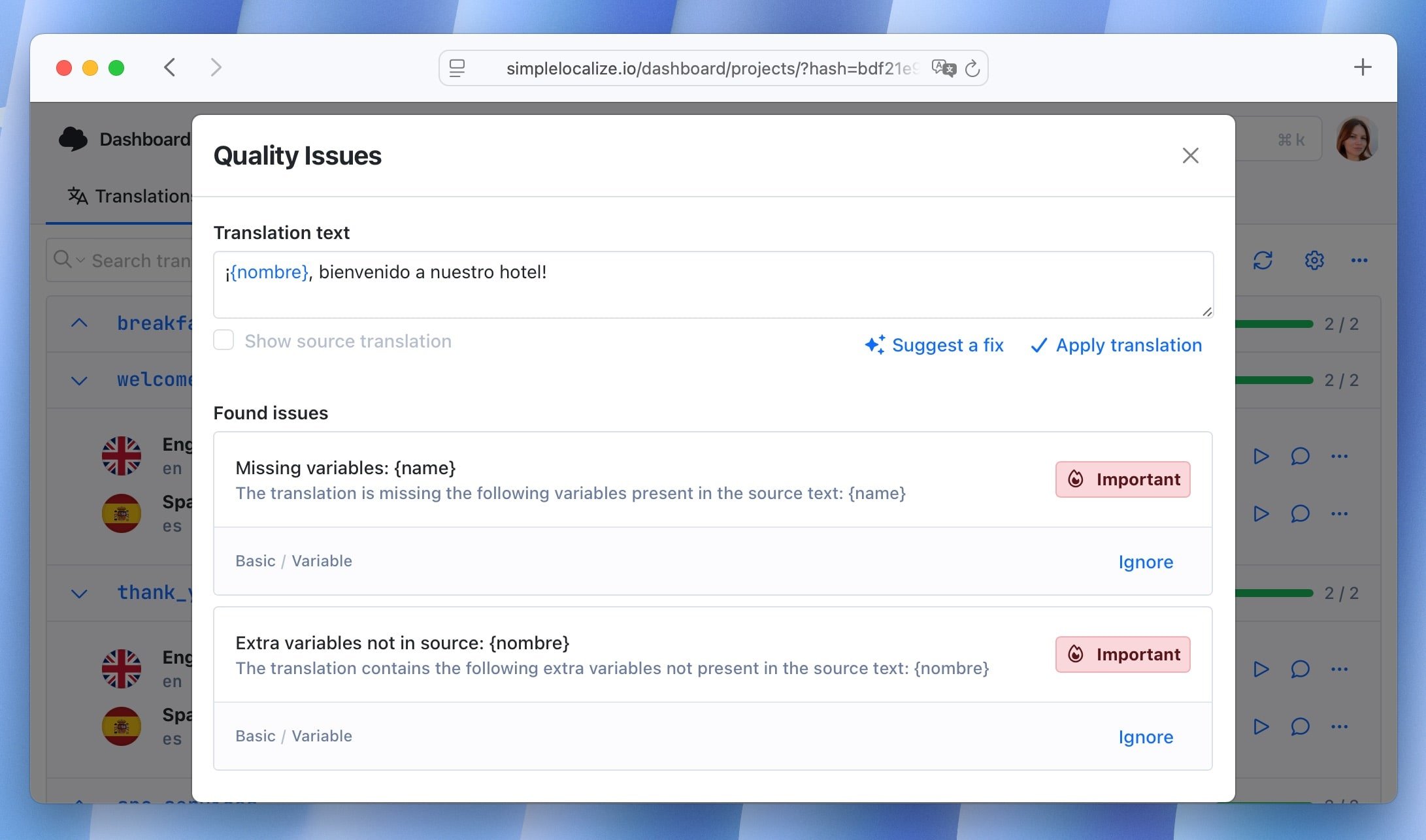
Many real UI string contains a variable: a name, a count, a date. Machine translation frequently translates the variable itself, or moves it to a position that breaks the sentence grammatically.
Take this string:
Hi {{userName}}, you have {{count}} new messages
In English, the sentence structure is fixed: greeting, then name, then count, then noun. In Polish, word order is more flexible, but the ending of "messages" changes depending on the number that comes before it. wiadomość (one message), wiadomości (2 to 4), wiadomości again but a different grammatical case for 5 and above. A flat machine translation of the sentence, done without ICU plural rules, usually picks one form and applies it everywhere, which reads as broken Polish to any native speaker even though every individual word is correct.
The fix here is structural, not linguistic:
- Use the ICU message format so plural and gender rules are defined per language instead of assumed from English,
- and make sure your translation keys never split a sentence across multiple keys.
If "You have" and "new messages" live in two separate translation keys with the count sandwiched between them in your code, no translation engine, human or machine, can produce grammatically correct output in a language with different word order or agreement rules. Read more on pluralization across languages if this is a recurring issue in your product.
HTML and markup inside strings get mangled
A surprising number of UI strings contain embedded markup:
Read our <a href="/terms">terms of service</a> to continue
Machine translation engines occasionally translate text inside the tags, move the tags to the wrong position relative to the words they wrap, or drop the closing tag entirely. In a sentence with different word order, like most Polish sentences compared to their English source, a tag that was correctly wrapped around "terms of service" in English can end up wrapped around the wrong words in Polish, changing what's actually clickable.
The safest fix is to avoid embedding markup in translatable strings at all where possible, splitting the sentence into components the code assembles instead. Where that's not practical, run an automated check that verifies tag structure survived translation before anything ships. This is a good candidate for a QA check in your pipeline rather than something caught by a human reviewer reading through hundreds of strings.
What fixes machine translation for UI strings
None of the fixes above are about switching machine translation providers. They're about changing what information reaches the engine before it translates, and what checks happen after.
In practice, that means:
- Attach a description or screenshot to ambiguous keys instead of translating bare strings
- Set character limits per key so length-constrained UI elements get shorter phrasing
- Use ICU plural and gender rules instead of splitting sentences across multiple translation keys
- Set tone and formality once at the project/language level, not per string
- Run an automated tag-integrity check on any string containing markup
- Test with pseudo-localization before real translations exist, to catch layout breaks early
Machine translation is a genuinely useful starting point for UI copy, especially for high-volume, low-visibility strings like settings labels or admin panels. It's a much weaker choice, on its own, for the strings users read closely: onboarding, error messages, and anything tied to trust or money. Feeding the engine more context closes most of the gap, and a human or AI review pass focused specifically on tone catches what context alone can't fix.
For a full workflow that combines these tactics into a scalable pipeline, see the AI-powered localization workflows guide, which covers automation patterns, quality checkpoints, and CI/CD integration for continuous translation.