Fallback languages and regional variants: How to handle them correctly

Every multilingual application eventually runs into the same two problems: a translation is missing, or the exact regional variant a user needs doesn't exist yet. How your app handles these moments determines whether the user sees clean, readable content or a raw translation key like settings.save_changes staring back at them.
This guide covers fallback chain configuration, regional variant management, and the patterns that keep both problems under control as your language coverage grows. It sits alongside the broader internationalization guide and assumes your app already uses translation keys rather than hardcoded strings.
What is a fallback language?
A fallback language is the locale your i18n system uses when it can't find a translation for the active locale. Instead of rendering an empty string or a raw key, the framework steps back through a defined chain until it finds a match.
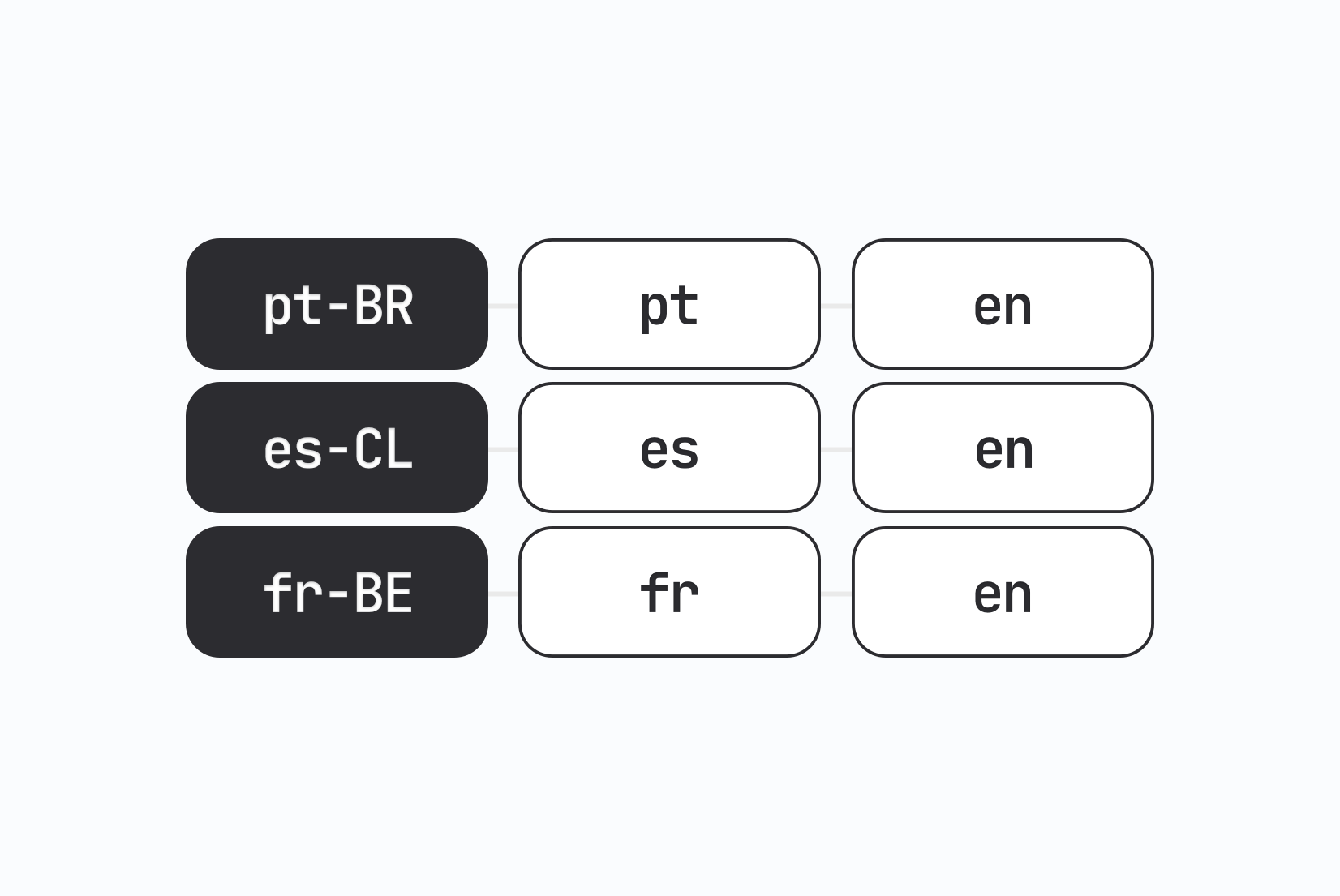
For example:
pt-BR → pt → en
A user with Brazilian Portuguese selected sees the pt-BR translation when it exists. If a key hasn't been translated yet, the app falls back to generic Portuguese (pt), then to English (en). The user always sees something readable.
This is the correct behavior. The silent alternative: rendering an empty <p> because no translation was found, is much worse than showing English copy.
Configuring fallback chains in i18next
i18next (used in React, Next.js, and many other frameworks) handles fallback with the fallbackLng option:
i18next.init({
  lng: 'pt-BR',
  fallbackLng: ['pt', 'en'],
  resources: { ... }
});
You can also define per-language fallbacks using an object:
fallbackLng: {
  'pt-BR': ['pt', 'en'],
  'es-MX': ['es', 'en'],
  'zh-Hant': ['zh-Hans', 'en'],
  default: ['en'],
}
This is useful when you have related locales that should inherit from each other before falling back to English. A user in Mexico gets Spanish, not English, when a Mexican Spanish translation is missing.
Regional variants: When one language isn't enough
pt-BR and pt-PT are both Portuguese, but they diverge enough in vocabulary, formality, and spelling conventions that serious localization efforts treat them as separate translation files. The same applies to:
en-USvsen-GB(spelling, date formats, terminology)zh-Hans(Simplified Chinese) vszh-Hant(Traditional Chinese)es-MXvses-ES(vocabulary, formality conventions)fr-FRvsfr-CA(vocabulary, some spelling)
The practical problem: maintaining completely separate translation files for every variant doubles your translation workload and makes it harder to keep content consistent.
Learn more about differences between languages and regional variants.
The override pattern
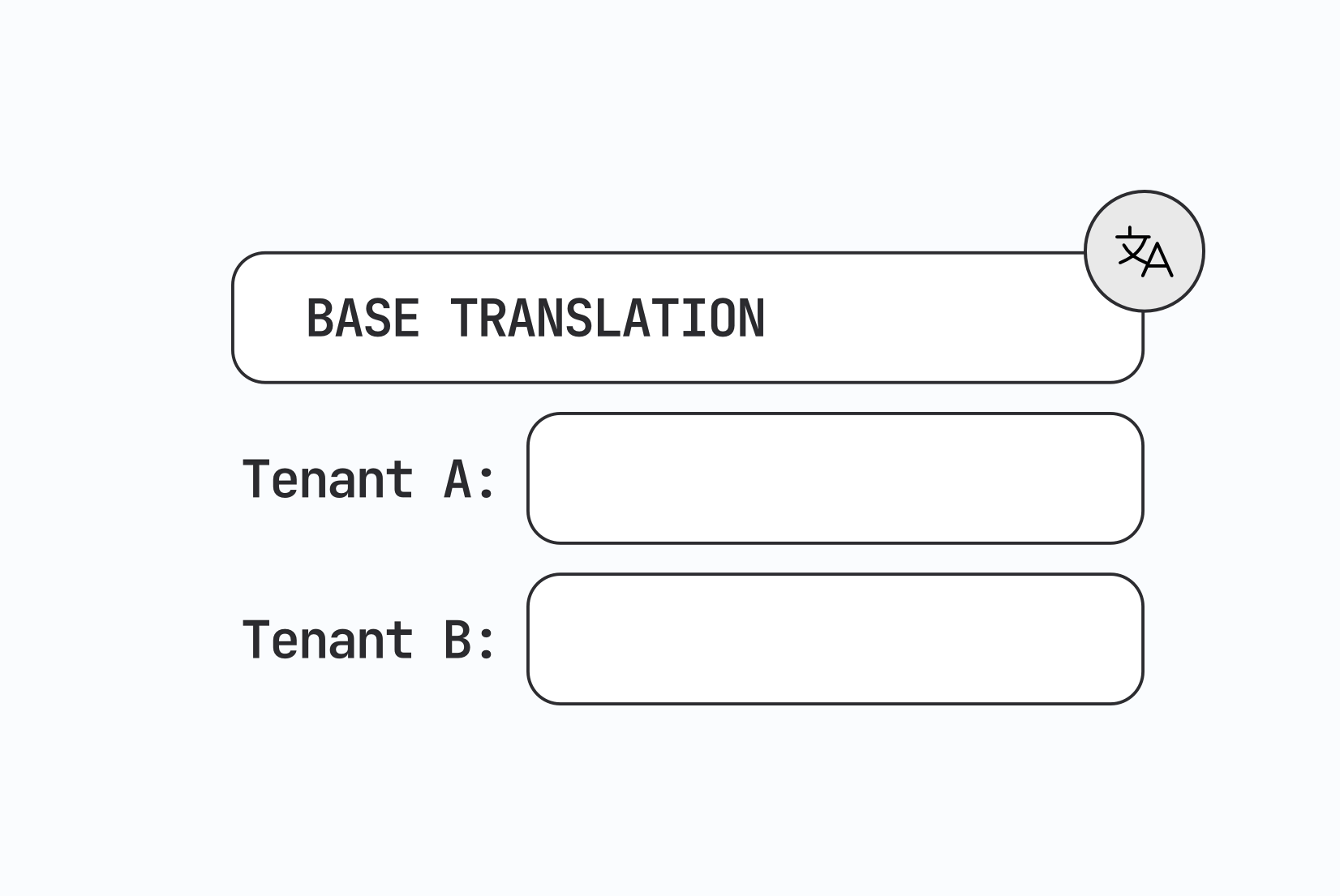
The most manageable approach is a base locale with regional overrides. You maintain one complete translation file for the base locale, then maintain separate override files that only contain keys where the variant actually differs.
Your file structure might look like this:
translations/
  pt/
    common.json       ← complete base translations
  pt-BR/
    common.json       ← only keys that differ from pt
  pt-PT/
    common.json       ← only keys that differ from pt
At runtime, the app merges the base and override. Most i18n libraries support this pattern natively through their namespace or resource merging features.
In i18next, you can achieve this by loading both the base and regional namespaces and letting the fallback chain handle resolution:
i18next.init({
  lng: 'pt-BR',
  fallbackLng: ['pt', 'en'],
  ns: ['common'],
  defaultNS: 'common',
});
When pt-BR/common.json doesn't have a key, i18next checks pt/common.json, then en/common.json. The override file stays small, it only needs the keys that genuinely differ between variants.
A concrete example
Suppose your app has a key checkout.continue_button. The base Portuguese translation is "Continuar". But in Brazilian Portuguese you want "Próximo" to better match the local convention.
Your pt/common.json has:
{
  "checkout": {
    "continue_button": "Continuar"
  }
}
Your pt-BR/common.json only overrides the key that differs:
{
  "checkout": {
    "continue_button": "Próximo"
  }
}
Every other key in pt-BR resolves to the base pt file. You only write what's actually different, which is typically a small fraction of the total key count.
Missing key handling: Development vs production
How your app handles missing keys should be different in development and in production.
In development, missing keys should be loud. Configure your i18n library to log a warning or throw an error when a key doesn't resolve, so developers catch gaps before they ship. In i18next:
i18next.init({
  ...
  saveMissing: true,
  missingKeyHandler: (lng, ns, key) => {
    console.warn(`Missing translation: [${lng}] ${ns}:${key}`);
  }
});
In production, missing keys should fall back silently and log to your error tracking system (Sentry, Datadog, or similar). Showing the raw key settings.account.display_name to a user is almost always worse than showing the English fallback. Configure your fallback chain to ensure this never happens, and route missing key events to wherever your team monitors production errors.
With integrated SimpleLocalize's GitHub App, you can catch missing keys right in your pull request reviews as as part of your CI/CD pipeline, preventing them from reaching production in the first place.

Locale matching: Exact vs approximate
When a user's browser reports pt-BR and your app only has pt translations, does the app find them?
This depends on whether your locale matching is exact or approximate. Most mature i18n libraries support locale lookup, which strips the region tag and looks for a matching base language automatically. Verify this is enabled in your setup.
In i18next, the load option controls this:
i18next.init({
  lng: 'pt-BR',
  load: 'languageOnly', // falls back to 'pt' automatically
  // or 'all' to load pt-BR, pt, and en
});
With load: 'all', i18next loads all three variants (pt-BR, pt, and your fallbackLng) and merges them in priority order. This is the most robust approach for apps with regional variants.
Vue and other frameworks
The fallback pattern works similarly in other ecosystems.
In vue-i18n (covered in detail in the Vue.js i18n guide):
const i18n = createI18n({
  locale: 'pt-BR',
  fallbackLocale: {
    'pt-BR': ['pt', 'en'],
    'es-MX': ['es', 'en'],
    default: ['en'],
  },
  messages: { ... }
});
For mobile, Flutter's ARB-based system handles this through the arb_dir configuration. See the ARB translation files guide for how Flutter resolves locale fallbacks.
iOS similarly supports fallback through the .xcstrings format, the iOS translation files guide covers the resolution order in detail.
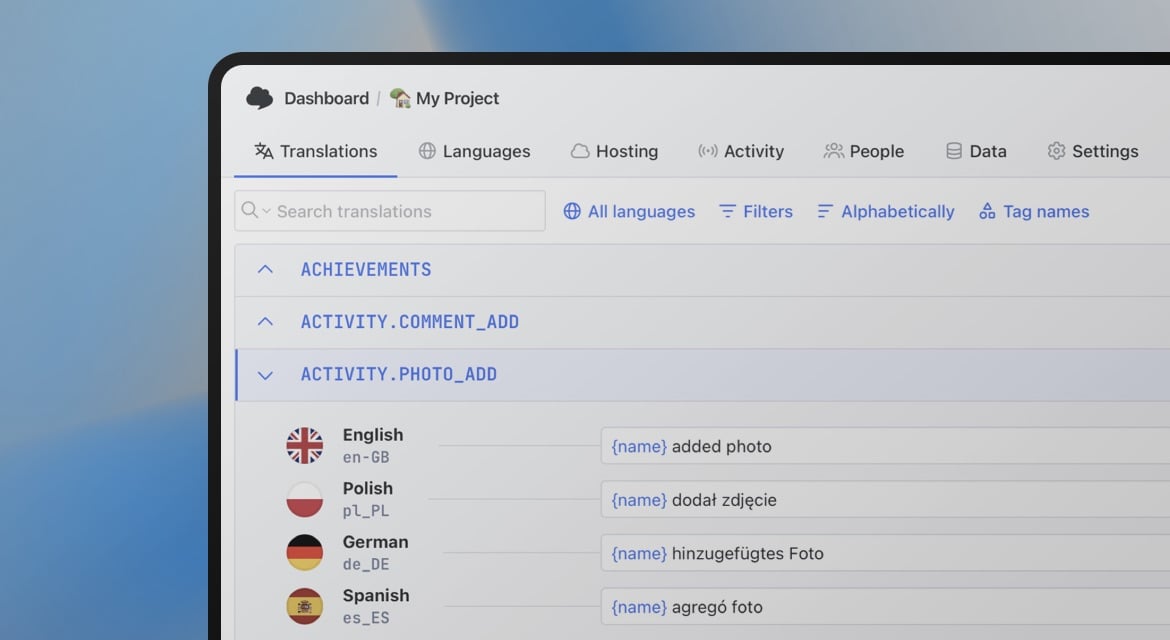
Organizing regional variants in your TMS
Managing base and override files in a translation management system requires a clear organizational strategy. A few approaches that work well:
-
Treat the base locale as the source of truth.
When a key changes inpt, mark the correspondingpt-BRandpt-PToverrides as needing review. This prevents regional files from silently becoming stale after a base update. -
Use tags to track variant-specific keys.
If you use translation key tags, tagging keys aspt-BR-onlyorregional-overridemakes it easy to filter and review just the keys that differ between variants, without wading through the full key set. -
Only maintain overrides that actually differ.
It's tempting to copy the entire base file into each regional variant as a starting point. Don't. You end up with hundreds of keys inpt-BRthat are identical topt, which makes it impossible to tell at a glance what's actually localized differently. Keep override files small and intentional.
What users actually see
To make the fallback behavior concrete, here's what a user experiences at each level of the chain:
| User's locale | Key exists in | What user sees |
|---|---|---|
pt-BR | pt-BR | Brazilian Portuguese translation |
pt-BR | pt only | Generic Portuguese translation |
pt-BR | en only | English fallback |
pt-BR | nowhere | Raw key or empty string (avoid this) |
The last row is the failure case you're designing to prevent. A well-configured fallback chain and complete English translations as a baseline guarantee that the last row never happens in production.
Summary
Well-handled fallbacks are mostly invisible to users. They see readable content even when a translation is incomplete. Regional variant management, done with the override pattern, keeps translation workload proportional to what's actually different between locales rather than duplicating entire translation sets.
The configuration cost is low: a few lines in your i18n init, a consistent file structure, and a TMS workflow that flags stale overrides when base translations change. Once it's in place, adding a new regional variant means writing only the keys that genuinely differ.
The same base and override idea works per customer as well as per region. If your product serves many organizations, see how tenant overrides combine with language fallback.
For the broader technical picture of how locale detection connects to fallback resolution, see locale detection strategies. For a full walkthrough of pluralization edge cases that interact with these same resolution chains, see how to handle pluralization across languages.