Translate .NET
RESX Files
Upload your .resx resource files, translate values while keeping the original comments, and export a file your .NET project can load directly.
<?xml version="1.0" encoding="utf-8"?>
<root>
  <data name="WelcomeMessage" xml:space="preserve">
    <value>Witamy w naszej aplikacji!</value>
    <comment>Shown on the home screen after sign-in.</comment>
  </data>
  <data name="SubmitButton" xml:space="preserve">
    <value>Wyślij</value>
    <comment>Text on the submit button.</comment>
  </data>
  <data name="ExitConfirmation" xml:space="preserve">
    <value>Czy na pewno chcesz wyjść?</value>
    <comment>Shown before closing an unsaved form.</comment>
  </data>
  <data name="FoundFilesPlural" xml:space="preserve">
    <value>{0} plików znaleziono</value>
    <comment>Plural form, workaround via a separate key.</comment>
  </data>
</root>
Built for the .NET resource pipeline
A RESX file is XML, but the part that matters for translators is the <data> element: a name, a value, and an optional comment. One RESX file holds one language, so a neutral Strings.resx sits next to Strings.pl.resx, Strings.de.resx and so on.
The <comment> element already does the job most other formats need a separate metadata field for: it gives translators context right next to the value they are editing, with no extra setup on your side. RESX itself has no built-in plural syntax, so pluralized strings are typically split into separate keys, one per form.
<data name="FoundFile" xml:space="preserve">
  <value>1 file found</value>
</data>
<data name="FoundFiles" xml:space="preserve">
  <value>{0} files found</value>
</data>
Beyond name and value
What SimpleLocalize keeps from your RESX files
Comment as context
The comment element under each key becomes translator-facing context, automatically.
xml:space="preserve"
Leading and trailing whitespace in a value is respected, matching what the attribute signals.
Safe XML entities
Quotes, ampersands and angle brackets in a value are escaped correctly on export.
End-to-end workflow
Translate a RESX file end to end
Upload a neutral Strings.resx file, translate values while keeping the original comments, and export one file per culture, ready to drop into your .NET project.
simplelocalize upload \
  --apiKey PROJECT_API_KEY \
  --uploadFormat resx \
  --uploadLanguageKey en \
  --uploadPath ./Strings.resx
Upload your neutral resource file
1Strings.resx to SimpleLocalize with the CLI. Every <comment> comes along automatically as context for the corresponding key.Key: WelcomeMessage
Source: Witamy w naszej aplikacji!
Context: Shown on the home screen after sign-in.Translators see the comment as context
2<data name="SubmitButton" xml:space="preserve">
<value>Senden</value>
</data>Auto-translate the rest
3simplelocalize download \
--apiKey PROJECT_API_KEY \
--downloadFormat resx \
--downloadPath ./Strings.{lang}.resxDownload one file per culture
4Strings.pl.resx, Strings.de.resx and so on, ready to sit next to your neutral resource file with no renaming step.For developers
A localization platform,
not just a resource file mapper
No mapping step between your resource files and the editor: upload a RESX file and translators already have what they need.
Comments imported as context
The comment field in each data node is imported as context for the corresponding key, with no configuration needed.
Safe with XML entities
Values containing quotes, ampersands or angle brackets are escaped correctly on export, so the resource file stays valid XML.
AI auto-translation
Translate new and changed values with DeepL, Google Translate, OpenAI, Claude or Gemini, with the original comment available as context.
CLI and REST API
Upload and download RESX files from the CLI, or automate the same import and export logic through the REST API.

More conversions
Convert RESX to other formats
Free online converter, no account required. Upload a .resx file and download it in the format you need.
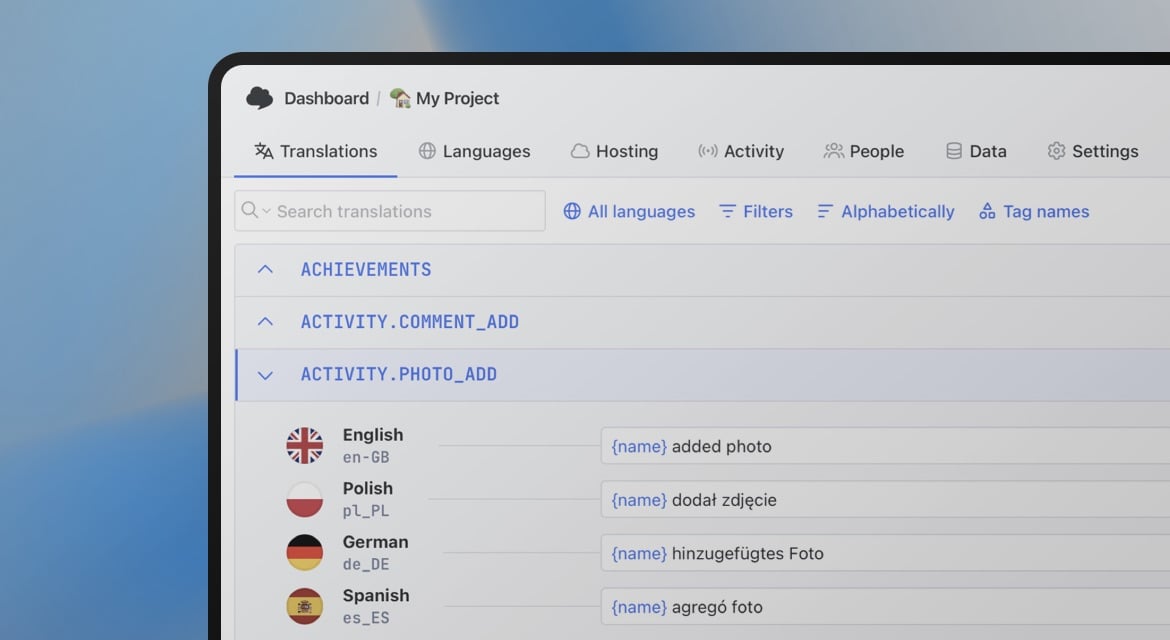
Start translating RESX files
- Comments carried over as translator context
- One file per culture, ready to drop into your project
- Safe handling of XML-reserved characters
"The product
and support
are fantastic."
"The support is
blazing fast,
thank you Jakub!"
"Interface that
makes any dev
feel at home!"
"Excellent app,
saves my time
and money"
Resources
More on localization workflows and translation file formats.

How to use Markdown in Android and iOS translations
Learn how to show bold, italic, and other Markdown styling from translations in Android and iOS apps. iOS supports Markdown natively, and on Android you can convert it to HTML or use a library.
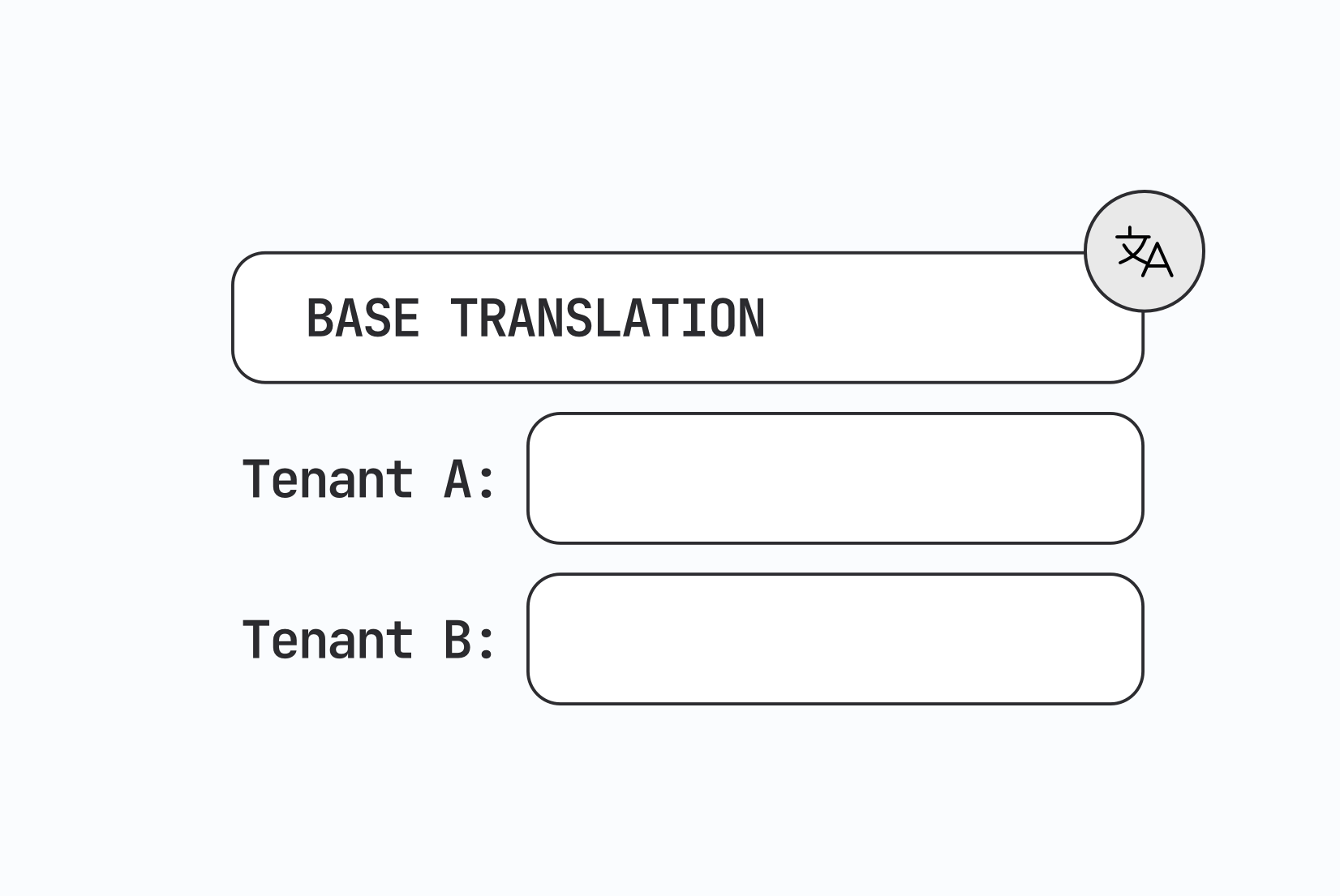
Designing multi-tenant localization systems
How to design multi-tenant localization: data models for tenant-specific translations, fallback order, CDN delivery, caching, permissions, and a working setup with customer contexts in SimpleLocalize.

Vue.js i18n: The complete guide to localizing Vue and Nuxt apps
Learn how to internationalize and localize Vue 3 and Nuxt apps with vue-i18n. Covers setup, translation files, pluralization, locale detection, lazy loading, CI/CD integration, and SimpleLocalize workflows.
Frequently asked questions about RESX files
What happens to the <comment> field?
It is imported as context for the corresponding key and shown to translators in the editor. It is preserved on export.
Does RESX support pluralization?
Not natively. RESX has no built-in plural syntax, so the common approach is separate keys per plural form, the same pattern you would already use in your .NET code.
Which .NET frameworks use RESX?
ASP.NET Core, Blazor, MAUI and WPF all use RESX as their standard localization resource format.