Translate PHP
Array Files
Upload your PHP language files, translate the values, and export valid PHP your application can require directly.
<?php

return [
    "HELLO_WORLD" => "Witaj świecie!",
    "SUBMIT_BUTTON" => "Wyślij",

    "auth" => [
        "login" => "Zaloguj się",
        "failed" => "Nieprawidłowe dane logowania.",
    ],

    "validation" => [
        "required" => "Pole :attribute jest wymagane.",
        "email" => "Pole :attribute musi być prawidłowym adresem e-mail.",
    ],
];
A translation file that's also code
Unlike JSON or YAML, a PHP array translation file is an executable script: it opens with <?php and ends with a plain return statement. Frameworks that use this format load it the same way they load any other PHP file, with no parsing step at runtime. One file holds translations for one language, commonly named like messages_de_DE.php.
Nested arrays are recognized on import too: a key like LEVEL_1.HELLO_WORLD becomes a real nested PHP array in the file, matching how frameworks like Laravel group related translations together.
LEVEL_1.HELLO_WORLD
LEVEL_1.LEVEL_2.HELLO_WORLD
MY_TRANSLATION_KEY
Both directions
Nested or flat, your call on export
Nested arrays recognized
Grouped keys are read as real nested PHP arrays on import, not flattened data.
Flat or nested export
Choose flat dot-notation keys or nested arrays when downloading, to match your project's style.
One file per language
Files follow the language-per-file convention frameworks like Laravel already expect.
End-to-end workflow
Translate a PHP array file end to end
Upload a neutral messages_en.php file, translate values while keeping the original structure, and export one file per language, ready to drop into your PHP project.
simplelocalize upload \
  --apiKey PROJECT_API_KEY \
  --uploadFormat php-array \
  --uploadLanguageKey en \
  --uploadPath ./lang/en/messages.php
Upload your source language file
1messages_en.php (or Laravel's lang/en/messages.php) to SimpleLocalize. Nested arrays are read and turned into dot-notation keys automatically.auth.login Zaloguj się
auth.failed Nieprawidłowe dane logowania.
validation.required
validation.emailGrouped keys stay grouped
2auth.login and auth.failed show up next to each other in the editor, matching the nested structure of the original file."auth" => [
"login" => "Anmelden",
"failed" => "Ungültige Anmeldedaten.",
],Auto-translate and review
3simplelocalize download \
--apiKey PROJECT_API_KEY \
--downloadFormat php-array \
--downloadPath ./lang/{lang}/messages.php \
--downloadOptions WRITE_NESTEDDownload as nested PHP arrays
4WRITE_NESTED so the export matches your framework's structure exactly, ready to drop into lang/{locale}/.For developers
A localization platform,
not just an array writer
SimpleLocalize reads and writes PHP array files the way your framework already expects them, and gives your team a place to manage the translations behind them.
Directly runnable output
Export is a clean, valid PHP file your app can require without any post-processing.
Nested keys, both ways
Dot-notation keys are recognized as nested arrays on import, and can be exported nested again to match your framework's structure.
AI auto-translation
Translate new and changed keys with DeepL, Google Translate, OpenAI, Claude or Gemini.
CLI and REST API
Upload and download PHP language files from the CLI, or automate the same logic through the REST API.

More conversions
Convert PHP array to other formats
Free online converter, no account required. Upload a PHP language file and download it in the format you need.
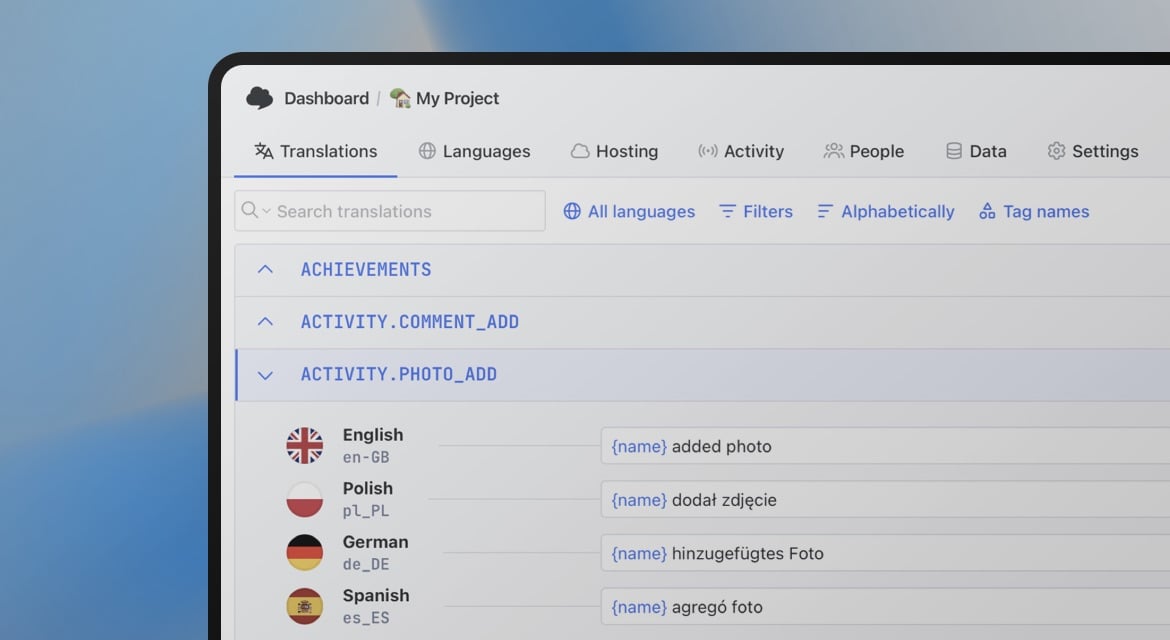
Start translating PHP language files
- Exports valid, directly runnable PHP
- One file per language, matching your framework's convention
- Nested arrays recognized on import and export
"The product
and support
are fantastic."
"The support is
blazing fast,
thank you Jakub!"
"Interface that
makes any dev
feel at home!"
"Excellent app,
saves my time
and money"
Resources
More on localization workflows and translation file formats.

How to use Markdown in Android and iOS translations
Learn how to show bold, italic, and other Markdown styling from translations in Android and iOS apps. iOS supports Markdown natively, and on Android you can convert it to HTML or use a library.
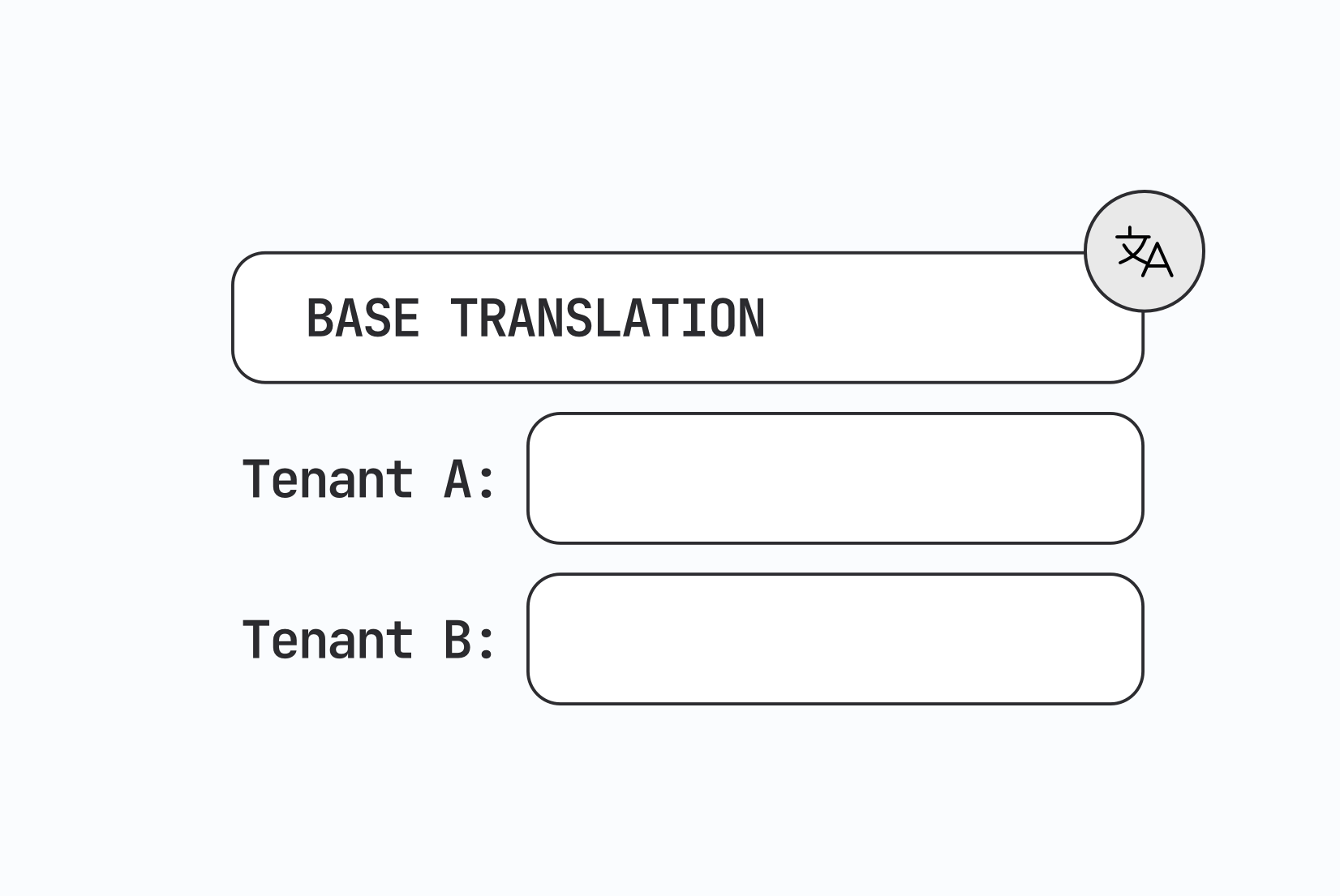
Designing multi-tenant localization systems
How to design multi-tenant localization: data models for tenant-specific translations, fallback order, CDN delivery, caching, permissions, and a working setup with customer contexts in SimpleLocalize.

Vue.js i18n: The complete guide to localizing Vue and Nuxt apps
Learn how to internationalize and localize Vue 3 and Nuxt apps with vue-i18n. Covers setup, translation files, pluralization, locale detection, lazy loading, CI/CD integration, and SimpleLocalize workflows.
Frequently asked questions about PHP array files
Which PHP frameworks use this format?
Laravel and CakePHP both load translations from PHP files that return an associative array, and plenty of custom PHP applications follow the same pattern.
Does SimpleLocalize produce valid PHP syntax?
Yes. The exported file is a complete, directly runnable PHP script that your application can require without any post-processing.
Can I use nested or dot-notation keys?
Yes. Nested arrays are imported as dot-notation keys automatically, and the WRITE_NESTED download option exports them back as real nested PHP arrays.