Translate iOS
.stringsdict Files
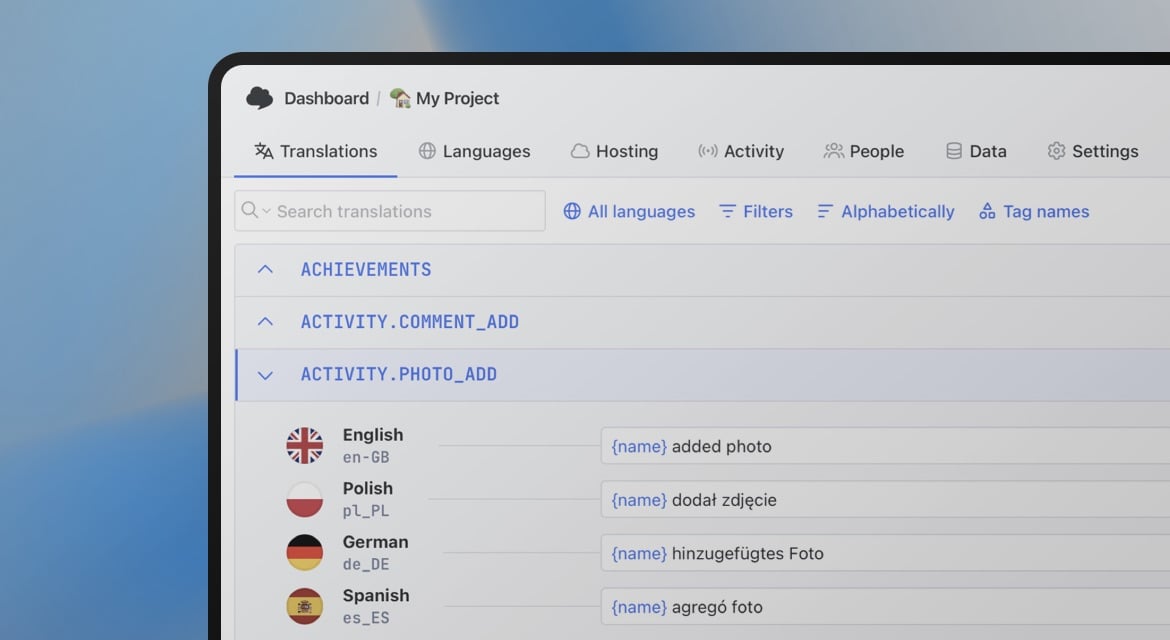
Upload your .stringsdict plural rules and device variants, edit each language's quantity variants, and export a property list Xcode reads without a warning.
<dict>
  <key>users-found-plural</key>
  <dict>
    <key>NSStringLocalizedFormatKey</key>
    <string>%#@value@</string>
    <key>value</key>
    <dict>
      <key>NSStringFormatSpecTypeKey</key>
      <string>NSStringPluralRuleType</string>
      <key>one</key>
      <string>One user found</string>
      <key>other</key>
      <string>%d users found</string>
    </dict>
  </dict>
</dict>
Two jobs, one file
Unlike Localizable.strings, a .stringsdict file doesn't carry your everyday copy. It holds two things: plural rules, built through the NSStringLocalizedFormatKey structure Apple's runtime expects, and device-specific variants, for text that should read differently on iPhone, Mac or Apple TV. Every key that needs either one lives here, paired with an ordinary string key of the same name in your main .strings file.
Each language defines its own set of plural categories: English needs one and other, while other languages require several more. Missing a required category is a common way plurals silently fall back to the wrong form on a device.
<key>UserInstructions</key>
<dict>
  <key>NSStringDeviceSpecificRuleType</key>
  <dict>
    <key>iphone</key>
    <string>Tap here</string>
    <key>mac</key>
    <string>Click here</string>
    <key>appletv</key>
    <string>Press here</string>
  </dict>
</dict>
Two structures in one file
Plurals and devices, both recognized
SimpleLocalize reads both structures a .stringsdict file can hold, and keeps translations working across platforms.
CLDR plural categories
zero, one, two, few, many, other. Only the categories a language actually uses are shown.
Device variants
iPhone, Mac, iPad, Apple Watch and Apple TV can each carry a different translation for the same key.
Cross-platform placeholders
Native specifiers like %@ and %lld convert to a shared format that also works for Android exports.
Paired with Localizable.strings
Plural and device keys stay linked to their ordinary string counterpart, not managed as a separate vocabulary.
How to translate a .stringsdict file
Translate a .stringsdict file end to end
Import your .stringsdict file, edit every plural category and device variant, and export a property list Xcode reads without warnings.
simplelocalize upload \
  --apiKey PROJECT_API_KEY \
  --uploadFormat localizable-strings-dict \
  --uploadPath ./en.lproj/Localizable.stringsdict
Upload alongside Localizable.strings
1.stringsdict file with the CLI. Plural and device-variant keys land next to their ordinary string counterparts, ready to edit as one set.Native: %lld users found
Universal: {%i} users foundEnable universal placeholders
2UNIVERSAL_PLACEHOLDERS so native specifiers like %@ and %lld convert to a shared format, kept consistent if you also localize an Android build from the same source strings.one: Znaleziono %d użytkownika.
few: Znaleziono %d użytkowników.
many: Znaleziono %d użytkowników.
other: Znaleziono %d użytkownika.Translate every plural category
3simplelocalize download \
--apiKey PROJECT_API_KEY \
--downloadFormat localizable-strings-dict \
--downloadPath ./{lang}.lproj/Localizable.stringsdict \
--downloadOptions UNIVERSAL_PLACEHOLDERSExport back to a valid plist
4NSStringFormatSpecTypeKey structure Xcode expects, warning-free.For developers
A localization platform,
not just a plist parser
SimpleLocalize handles the parts of .stringsdict that are easy to get wrong by hand, and keeps it working with the rest of your platforms.
Cross-platform placeholders
Convert native iOS placeholders into a platform-independent format, so the same string exports correctly to Android too.
Device variant support
Provide a different translation for iPhone, Mac or Apple TV under the same key, matching how Apple's runtime expects it.
AI auto-translation
Translate plural variants and device-specific text with DeepL, Google Translate, OpenAI, Claude or Gemini.
CLI and REST API
Upload and download from the CLI, or call the same import and export logic from the REST API in a CI/CD pipeline.

More conversions
Convert .stringsdict to other formats
Free online converter, no account required. Upload a .stringsdict file and download it in the format you need.
Start translating .stringsdict files
- Plural rules and device variants in one editor
- Universal placeholders for cross-platform exports
- Kept in sync with your Localizable.strings content
"The product
and support
are fantastic."
"The support is
blazing fast,
thank you Jakub!"
"Interface that
makes any dev
feel at home!"
"Excellent app,
saves my time
and money"
Related articles
More on iOS translation files.
iOS localization 2026: Guide to .strings, .xcstrings & String Catalogs
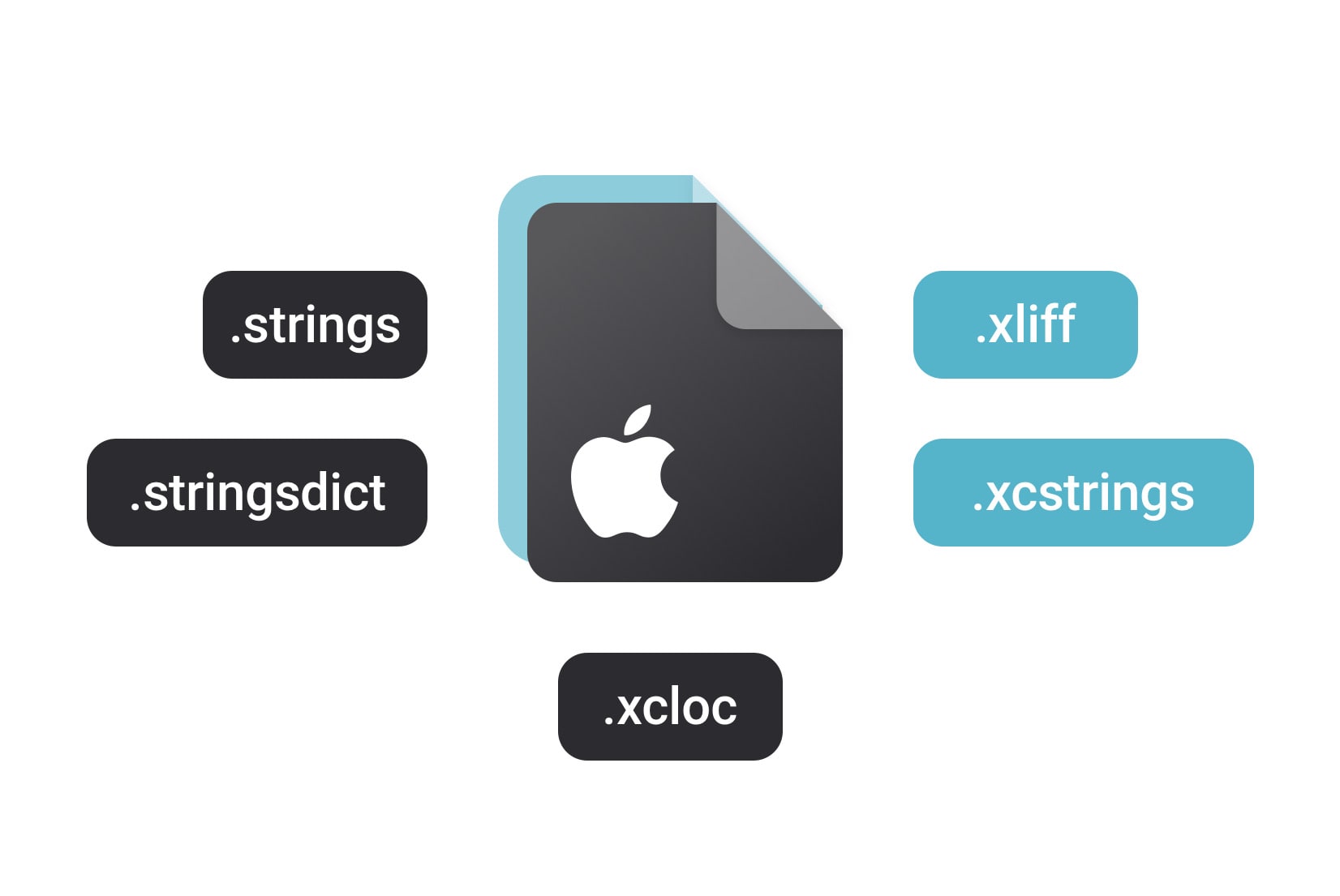
Master iOS localization in 2026. Compare .strings, .xcstrings, and .xliff formats, learn how to migrate to Xcode String Catalogs, and automate your translation workflow with SimpleLocalize.
Frequently asked questions about .stringsdict
What's the difference between .strings and .stringsdict?
Localizable.strings holds ordinary key-value text. Localizable.stringsdict holds only the plural-rule and device-variant entries for keys that need them. The two files work together, not as alternatives.
Is .stringsdict deprecated in favor of String Catalogs?
Apple's newer .xcstrings String Catalog format can hold pluralization and device variants inline, but .stringsdict remains fully supported for projects that haven't migrated. See our translate/xcstrings/ page if you're moving to String Catalogs.
Are device-specific variants supported, not just plurals?
Yes. A .stringsdict key can define a different value per device (iPhone, Mac, Apple TV and so on) using the same structure Apple's runtime reads.
Which plural categories does SimpleLocalize support?
All CLDR categories (zero, one, two, few, many and other), applied per language based on which ones that language's grammar actually uses.