Enterprise localization
management at scale
Centralize your localization workflow across multiple teams, products, and tech stacks.
Secure, scalable, and built for the modern enterprise.

We power your product localization
From first commit to global launch


Organize thousands of keys
with namespaces
Large applications can have tens of thousands of translation keys. Managing them in a single flat file leads to merge conflicts, slow loading times, and confusion across teams.
Namespaces let you break down your application into logical modules, e.g., checkout, dashboard, emails, onboarding, so different teams can work on different parts simultaneously. Each namespace can be loaded independently, reducing bundle size and keeping your workflow conflict-free.

Security & governance that gets deals signed
Enterprise teams need more than a translation editor. They need control, compliance, and confidence that their localization pipeline meets organizational standards.
Roles & permissions
Define who can edit, who can review, and who can only view. Assign granular permissions to developers, managers, translators, and external vendors.
Audit logs
Track every change made to every key. Who changed it? When? What was the previous value? Full change history for compliance and quality control.
SSO & team onboarding
Onboard team members via SAML2 or OIDC with any identity provider — Google, Microsoft, Okta, Auth0, and more. Simplify access management and reduce friction for large distributed teams.
Bring Your Own Bucket (BYOB)
Host translations on your own infrastructure. Publish to your own S3, Azure Blob, or Google Cloud Storage for full control over data residency and delivery.
AI-powered translation
at enterprise scale
Use AI to translate 80% of your content instantly, then have professional translators review only the critical parts. This dramatically reduces cost and time-to-market while maintaining quality across every language.
Built-in support for DeepL, Google Translate, and OpenAI means you can auto-translate new keys the moment they are uploaded. Need a different model? Connect any AI provider via OpenRouter and bring your own API keys for each provider to keep full control over costs and usage. Add context and descriptions to your keys so AI engines produce accurate, consistent results across all your projects. Use auto-translation rules to keep the process hands-free.
We don't replace your workflow.
We automate it.
SimpleLocalize fits into your existing enterprise stack. Connect your repositories, automate your pipelines, and deliver translations globally without changing how your teams work.
Git & CI/CD integration
Push new keys on every commit via GitHub Actions, GitLab CI, Azure DevOps, or Bitbucket Pipelines. Use the GitHub App for direct repo sync.
Global CDN delivery
Publish translations to a worldwide edge CDN with sub-50ms delivery. Update content without redeploying, or use BYOB hosting on your own cloud.
REST API & CLI
Manage translations programmatically with the Localization API and the SimpleLocalize CLI. Automate uploads, downloads, and key management in any pipeline.

Enterprise-grade features
SimpleLocalize scales with your organization, providing the control and security required for enterprise-grade software delivery.
Granular RBAC
Role-Based Access Control to manage permissions for developers, managers, translators, and external vendors.
Audit Trail
Complete history of every translation change for compliance and quality control. Track who changed what and when.
Project Namespacing
Organize large-scale applications into logical modules for faster loading and easier management across teams.
Priority Support
Dedicated assistance for enterprise customers to ensure smooth integration and reliable uptime for your localization pipeline.
Enterprise Security
Bank-grade security
for your global data
We understand that localization files are a core part of your intellectual property. SimpleLocalize is built with a security-first architecture to ensure your data is protected, encrypted, and compliant with global standards.
- GDPR Compliant
- Data Encryption at Rest (AES-256)
- TLS 1.3 Encryption in Transit
Data Residency
All primary data is stored on secure servers within the European Union. We ensure strict adherence to EU privacy laws.
Access Control
Enforce 2FA and SSO via SAML2 or OIDC (Google, Microsoft, Okta, Auth0, and more) for all team members. Audit logs track every action across your organization.
Backups & Snapshots
Backup your translation data with our secure backup service. Automated snapshots ensure you can recover from any accidental changes or data loss scenarios.
DPA & Compliance
We provide standardized Data Processing Agreements (DPA) to help your legal team verify our compliance with your internal policies.
Internal tooling vs. SimpleLocalize
Many enterprises try to build their own localization tool. Here is why a purpose-built platform saves time, money, and engineering effort.
  | Custom in-house tool | |
|---|---|---|
| Maintenance | Zero (we handle everything) | Opportunity cost: high (diverts engineering from core product) |
| AI-powered translation | Built-in: OpenAI, DeepL, Google | Requires custom integration |
| Global CDN delivery | Worldwide edge CDN included | Hard to scale globally |
| Translation editor for non-devs | Professional online editor | Usually CLI only or non-existent |
| Roles & permissions | Granular RBAC out of the box | Requires custom development |
| Audit trail | Full change history per key | Compliance risk: high (no centralized change history) |
| No-code automations | Auto-translate, review, publish | Must be scripted manually |
| CI/CD integrations | CLI, GitHub App, REST API | Custom scripts per pipeline |
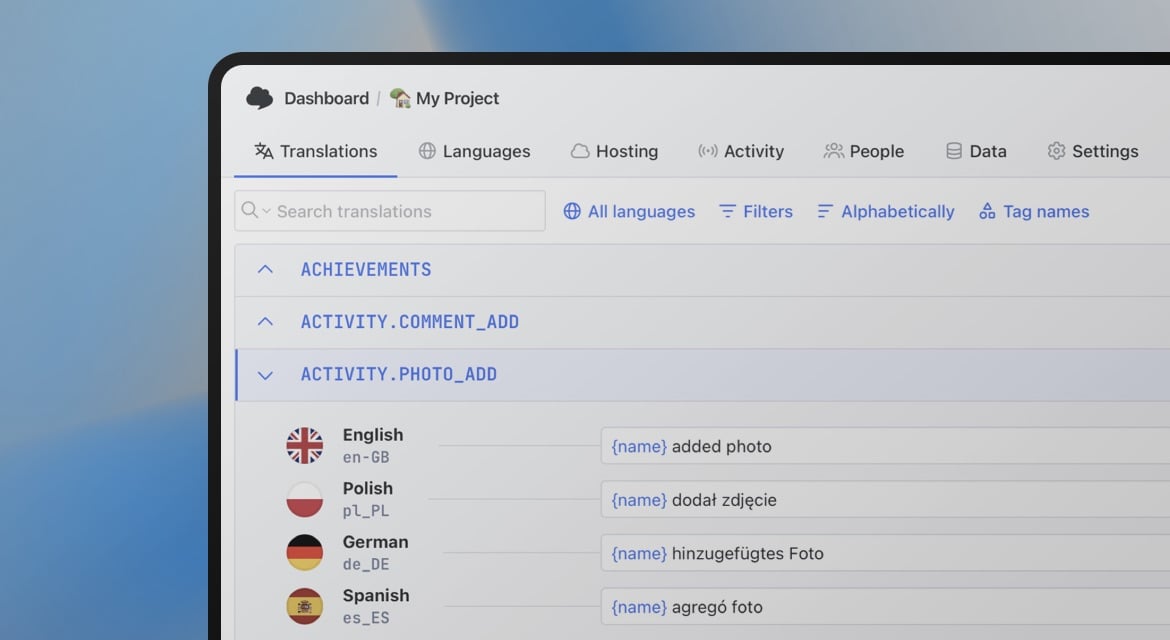
Start localizing at enterprise scale
- Granular roles & permissions for teams and vendors
- Namespace-based project organization at scale
- Full audit trail for compliance and quality control
- AI-powered translations with your own API keys
- Secure hosting with Bring Your Own Bucket (BYOB)
- Priority support and dedicated assistance
"The product
and support
are fantastic."
"The support is
blazing fast,
thank you Jakub!"
"Interface that
makes any dev
feel at home!"
"Excellent app,
saves my time
and money"
Learn more about enterprise localization
Guides and best practices for scaling localization across teams, products, and markets.
Pre-translation checklist: What to prepare before every translation cycle
A practical pre-translation checklist for dev and product teams. What to audit, prepare, and confirm before sending strings to translation, so you translate once and ship right.
Vue.js i18n: The complete guide to localizing Vue and Nuxt apps
Learn how to internationalize and localize Vue 3 and Nuxt apps with vue-i18n. Covers setup, translation files, pluralization, locale detection, lazy loading, CI/CD integration, and SimpleLocalize workflows.

How to make a website multilingual: A developer's implementation guide
A practical guide for developers: how to internationalize a web app, set up translation files, implement locale detection, handle formatting, and manage translations across releases.
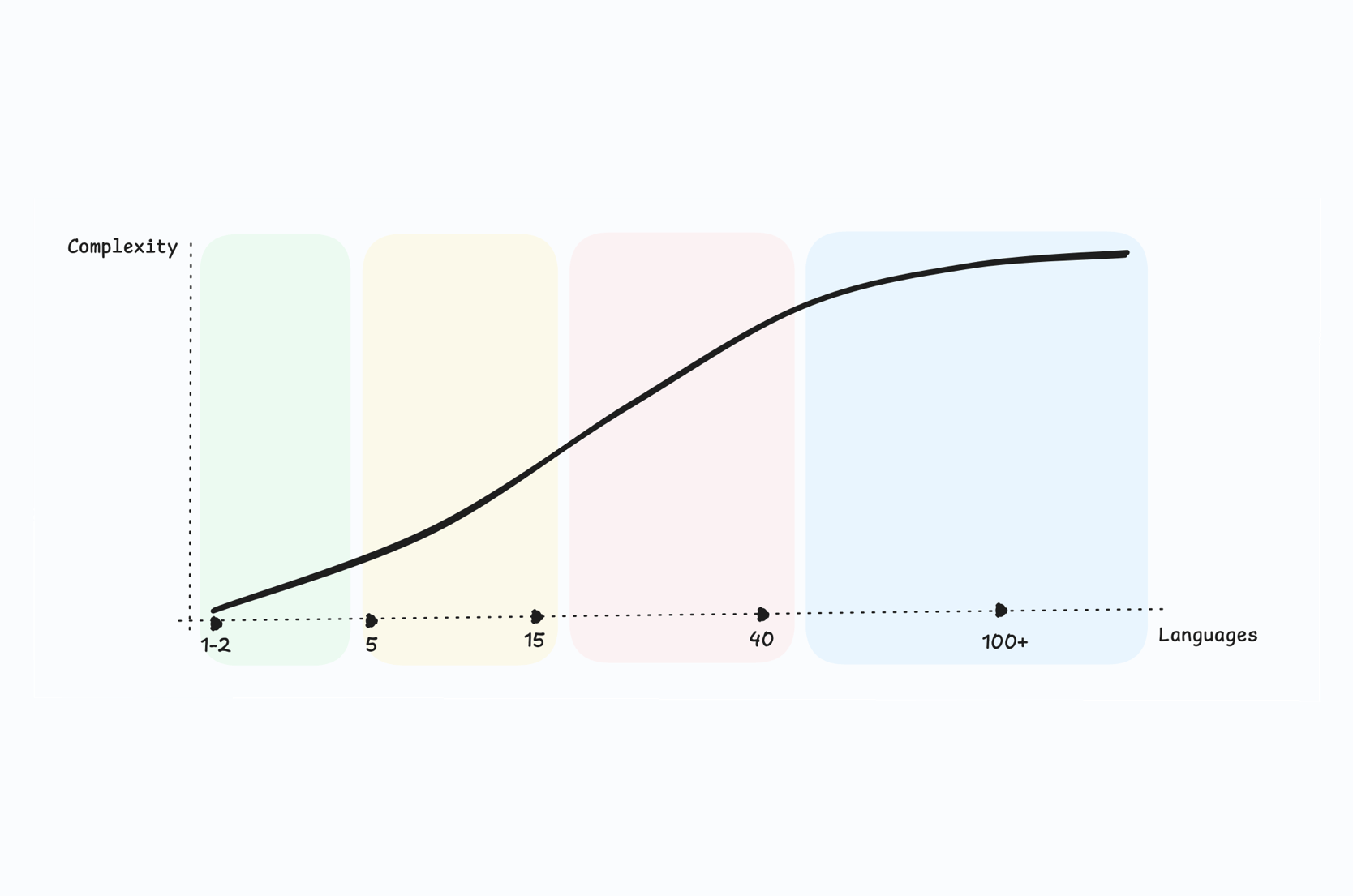
Scaling localization from 1 to 100 languages: A practical guide for SaaS teams
Learn how to scale your SaaS localization from a single language to 100+. Practical strategies for language prioritization, automation, governance, quality, and cost control at every stage of growth.
How to pick a translation workflow for small teams and solo devs
Not every team needs a full localization pipeline. Learn how to pick a translation workflow that fits your size, budget, and release cadence, with practical options for solo devs and small teams.
What is a localization workflow? A practical guide for software teams
Learn what a localization workflow is, how it works, and which workflow pattern fits your team. Real examples with SimpleLocalize, GitHub App, CI/CD, and AI automation.
What is enterprise localization?
Enterprise localization is the practice of managing translation workflows at scale across multiple teams, products, and markets. Unlike small-scale localization, it requires governance features like Role-Based Access Control, audit trails, namespace-based project organization, and secure hosting options.
Enterprise localization is the final stage of a complete software localization strategy. It builds on the same fundamentals — internationalization, translation management, and continuous delivery — but adds the control, security, and scalability that large organizations demand.
Why do enterprises need a localization platform?
As organizations grow, so does the complexity of their localization needs. Multiple products, dozens of languages, distributed teams, and compliance requirements make it impossible to manage translations with spreadsheets or custom scripts. A localization platform centralizes the entire workflow — from key management and auto-translation to review, approval, and delivery.
Purpose-built platforms like SimpleLocalize offer secure hosting, AI-powered translation, and CI/CD integrations that eliminate manual handoffs and reduce time-to-market for every new language.
How does namespace-based organization work?
Namespaces allow you to divide your translation keys into logical groups — for example, by feature, module, or team. Each namespace can be managed independently: different teams can own different namespaces, and each one can be loaded separately in the application for faster performance.
This approach eliminates merge conflicts when multiple teams work on translations simultaneously. It also makes it easier to track translation progress per module and to load only the keys that are needed for a specific part of your application.
How does AI help at enterprise scale?
AI-powered translation engines like DeepL, Google Translate, and OpenAI can instantly translate new keys the moment they are added to your project. For enterprises with thousands of keys across dozens of languages, this means the bulk of translation work is handled automatically.
Human reviewers then focus on high-impact strings — marketing copy, legal text, and user-facing error messages — while routine UI labels and system messages are handled by AI. Adding context and descriptions to keys improves AI accuracy and ensures consistent terminology across all projects.
Frequently asked questions
Do you support Single Sign-On (SSO)?
Yes. SimpleLocalize supports SSO via SAML2 and OIDC with any identity provider — Google, Microsoft, Okta, Auth0, and others. Team members can sign in with their existing corporate credentials, reducing friction and simplifying access management for IT administrators.
How do we handle multiple sub-teams?
Use Roles & Permissions to control access at the project and namespace level. You can assign different roles — admin, developer, translator, reviewer — to different team members. Combined with namespaces, this lets each sub-team manage their own part of the application independently.
Is SimpleLocalize GDPR compliant?
Yes. SimpleLocalize is fully GDPR compliant. Data is processed and stored within the European Union. We provide data processing agreements (DPA) on request and support data export and deletion requests in accordance with GDPR requirements.
Can we use our own translation agencies?
Absolutely. You can invite external translators or agencies to your project and assign them specific roles and permissions. They get access to the online translation editor where they can translate and review content without needing access to your codebase or CI/CD pipeline.
Can we host translations on our own infrastructure?
Yes. SimpleLocalize supports Bring Your Own Bucket (BYOB) hosting. You can publish translations directly to your own AWS S3, Azure Blob Storage, or Google Cloud Storage. This gives you full control over data residency, access policies, and CDN configuration. Learn more on our translation hosting page.
What file formats are supported?
SimpleLocalize supports 30+ translation file formats including JSON, YAML, XLIFF, Android XML, iOS Strings, Properties, PO/POT, CSV, Excel, and many more. You can upload and download in the format your framework expects — no conversion scripts needed.