Localization CLI
for Developers
The fastest way to automate i18n workflows. Synchronize localization files between your code and the cloud with one command.
We power your product localization
From first commit to global launch


What is SimpleLocalize CLI
Automate your i18n from terminal
SimpleLocalize CLI is a developer-first tool designed to bridge the gap between your local codebase and our cloud-based translation management system. It acts as a powerful automation layer that eliminates manual file handling, allowing you to push and pull translations directly from your terminal or CI/CD pipelines.
Built for performance, it is a standalone binary with no runtime dependencies (like Node.js or Python), making it incredibly easy to install and run on macOS, Windows, and Linux.

How the localization CLI works
From local files to translated app in four steps
SimpleLocalize CLI bridges your local project and the cloud-based translation editor. Upload source strings, translate with your team or AI, and pull translations back into your build.
Install the CLI
Run a single shell command to install. Create a simplelocalize.yml config file with your project settings.
Upload source strings
Push your local translation files to the cloud editor. Supports JSON, YAML, XLIFF, and 30+ formats.
Translate in the editor
Use the web-based translation editor, invite translators, or auto-translate with DeepL, Google, or OpenAI.
Download translations
Pull finished translations back into your repo. Use in CI/CD pipelines for fully automated localization.
For a step-by-step walkthrough, see the getting started guide.
What you can do with the CLI
Upload, download, auto-translate, and extract translation keys, all from your terminal.
Integrate into any CI/CD pipeline and keep your localization workflow fully automated.
Upload translations
from any format
Push local translation files to the cloud editor with a single command. The CLI auto-detects your file format and maps keys, languages, and namespaces. Upload from JSON, YAML, XLIFF, PO, ARB, and 30+ other formats.
Upload docs
Download translations
in any format
Pull finished translations back into your project. Export to a different format than you uploaded: import JSON, export Android XML. Use --languageKey and --namespace flags to download exactly what you need.
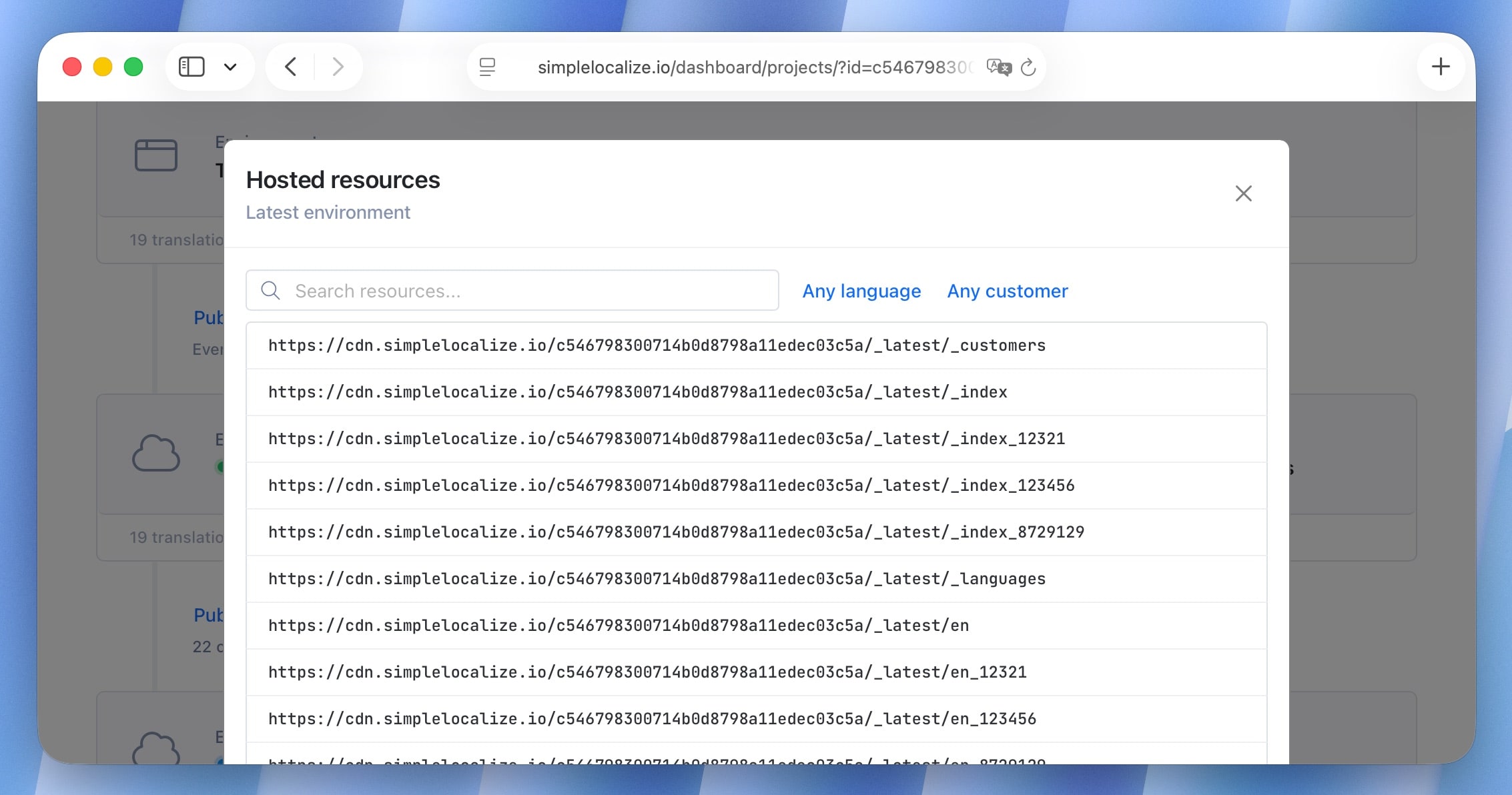
Auto-translate
from the terminal
Trigger auto-translation directly from the CLI using DeepL, Google Translate, or OpenAI. Fill in missing translations before downloading, or use it as part of your CI/CD pipeline to keep every language up to date automatically.
More commands
File format support
Supports 30+
localization formats
Import and export JSON, YAML, XLIFF, PO/POT, ARB (Flutter), Android XML, iOS Strings, Java Properties, PHP, CSV, Excel, and many more. Import in one format, export in another. The CLI handles the conversion.
Use namespaces to manage translations for a React frontend (JSON), an Android app (XML), and an iOS app (Strings) all in the same project.
Built for CI/CD pipelines
Automate your entire localization workflow. Run the CLI in any CI/CD environment to upload source strings, auto-translate, and download finished translations as part of your build.
How to get started
with SimpleLocalize CLI
SimpleLocalize CLI is a powerful tool that helps you to automate the translation process in your project.
You can easily synchronize translation files between you local project and SimpleLocalize Translation Editor.
# macOS / Linux / Windows (WSL)
curl -s https://get.simplelocalize.io/2.10/install | bash

# Windows (PowerShell)
. { iwr -useb https://get.simplelocalize.io/2.10/install-windows } | iex;

# npm
npm install @simplelocalize/cli
Install CLI
0Upload translations
1$ simplelocalize upload \
--apiKey YOU_API_KEY \
--uploadFormat single-language-json \
--uploadPath ./source_messages.json
Manage translations
2Download translations
3$ simplelocalize download \
--apiKey YOUR_API_KEY \
--downloadFormat single-language-json \
--downloadPath ./messages_{lang}.json{
"en": {
"CREATE_ACCOUNT": "Create account",
"SIGN_IN": "Sign in",
"WELCOME_TO_THE_JUNGLE" : "Welcome to the jungle"
},
"es": {
"CREATE_ACCOUNT": "Crear cuenta",
"SIGN_IN": "Iniciar",
"WELCOME_TO_THE_JUNGLE": "Bienvenido a la jungla"
}
}
Host translations
4Why use a localization CLI
CLI automation vs. manual file management
Manually copying translation files between your repo and TMS leads to missed strings, stale translations, and broken builds. A localization CLI eliminates these risks.
Pro tip: Use a configuration file
Instead of passing flags every time, define your upload and download settings in a simplelocalize.yml file. The CLI reads it automatically, keeping your commands short and your setup version-controlled.
apiKey: YOUR_API_KEY
uploadPath: ./src/translations/{lang}.json
uploadFormat: single-language-json
downloadPath: ./src/translations/{lang}.json
downloadFormat: single-language-json
Why SimpleLocalize?
Most tools are overkill.
SimpleLocalize is fast, simple, and works out of the box.
Fast and customizable
SimpleLocalize is easy to get started with and focuses on the features that you and your team need the most. You can customize the editor to your needs choosing from a variety of options.
Flat pricing
No hidden costs! SimpleLocalize offers a simple and affordable plans for you and your projects. Within easy integration options and intuitive translation editor, it creates a wonderful selection.
Team members included
Every paid plan comes with a number of users you can add to your project. You don't need to worry about number of users as the price does not increase with every user.
Auto-translation included
Every paid plan comes with auto-translation characters that you receive every month. You can also use bring your own API keys and use them with SimpleLocalize in any plan (even free!).
Tools for Developers
SimpleLocalize gives developers the tools they need to automate and integrate localization into any workflow, such as CLI tool, VS Code extension, IntelliJ plugin, Figma integration, and more.
Personal support
From “how do I get started” to “I need XYZ” requests, when you need that extra helping hand, we’re here for you. We are here to make sure you get the most out of SimpleLocalize.
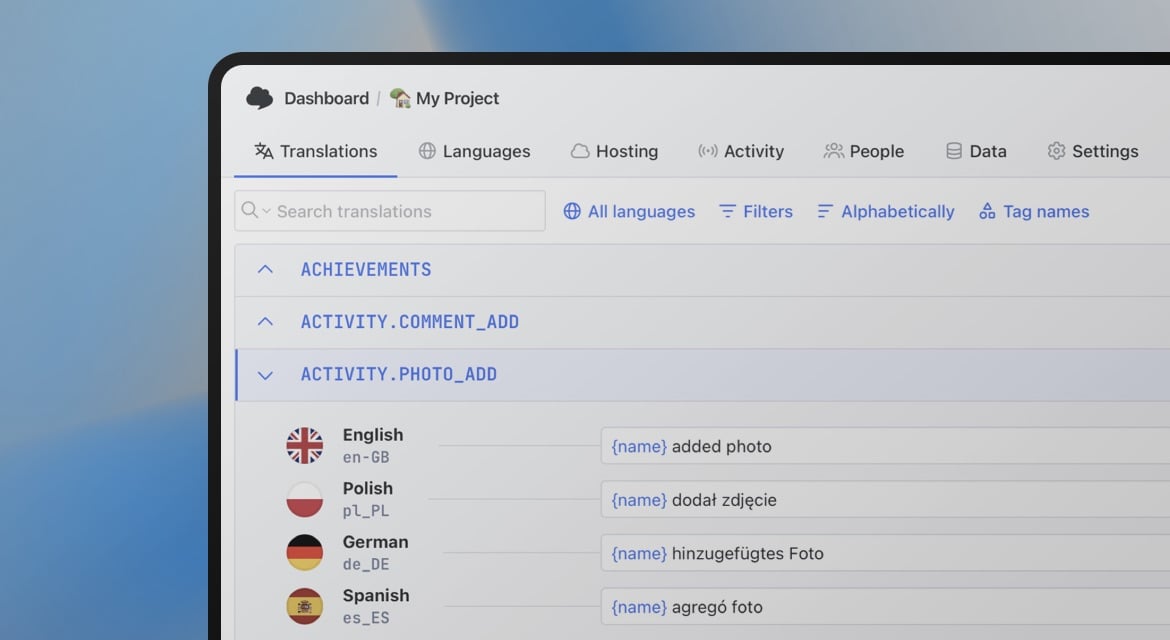
Start automating your i18n workflow
- Install with a single command on macOS, Windows, or Linux
- Upload and download 30+ translation file formats
- Auto-translate with DeepL, Google Translate, or OpenAI
- Extract translation keys from source code automatically
- Integrate with GitHub Actions, GitLab CI, or any pipeline
- Use YAML config file for a zero-configuration setup
"The product
and support
are fantastic."
"The support is
blazing fast,
thank you Jakub!"
"Interface that
makes any dev
feel at home!"
"Excellent app,
saves my time
and money"
Localization CLI guides and tutorials
Learn how to integrate the SimpleLocalize CLI into your project, automate translations in CI/CD pipelines, and streamline your localization workflow.
Xcode String Catalog (.xcstrings): The complete guide for iOS localization
Everything developers need to know about .xcstrings string catalogs. Covers JSON schema, extractionState and translationState flags, pluralization, device variants, universal placeholders, Git merge conflict strategies, Xcode 26 AI comments, and SimpleLocalize integration.
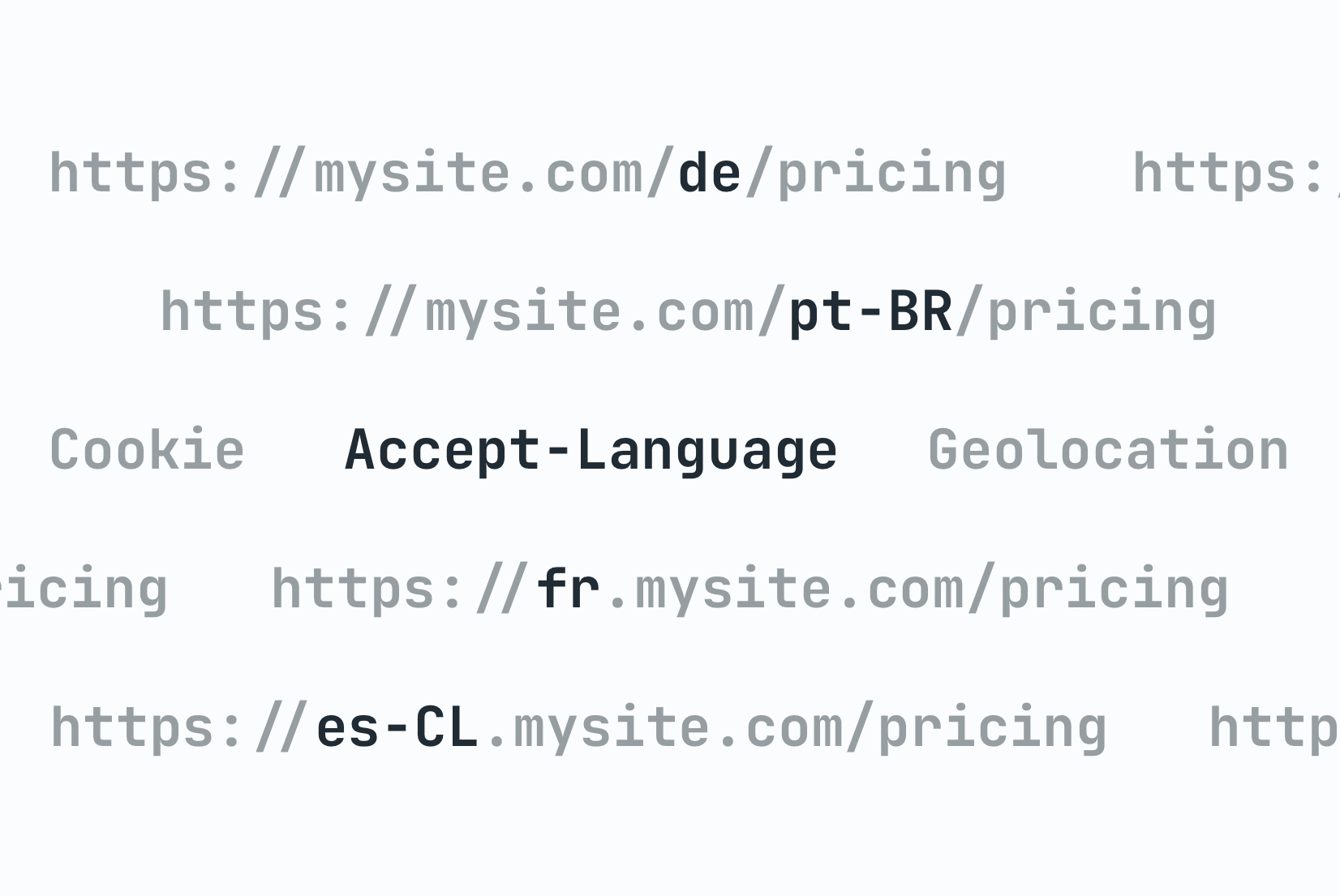
Locale detection strategies: URL, Cookie, or Header?
Compare locale detection strategies with code examples. Learn the trade-offs of URL paths, cookies, and headers with an architectural decision framework.

Pre-translation checklist: What to prepare before every translation cycle
A practical pre-translation checklist for dev and product teams. What to audit, prepare, and confirm before sending strings to translation, so you translate once and ship right.

Vue.js i18n: The complete guide to localizing Vue and Nuxt apps
Learn how to internationalize and localize Vue 3 and Nuxt apps with vue-i18n. Covers setup, translation files, pluralization, locale detection, lazy loading, CI/CD integration, and SimpleLocalize workflows.
Android String resources: Complete guide to localizing Android apps
Learn how to manage Android string resources, plurals, and arrays. A technical guide to localizing Android XML files with SimpleLocalize for seamless translation workflows.

How to make a website multilingual: A developer's implementation guide
A practical guide for developers: how to internationalize a web app, set up translation files, implement locale detection, handle formatting, and manage translations across releases.
What is a localization CLI?
A localization CLI (command-line interface) is a developer tool that automates the synchronization of translation files between a local codebase and a cloud-based translation management system (TMS). Instead of manually copying JSON, YAML, or XLIFF files back and forth, developers run a single command to upload source strings and download finished translations.
The SimpleLocalize CLI is an open-source i18n CLI tool that works on macOS (Apple Silicon and Intel), Windows, and Linux. It requires no runtime dependencies: just download the binary and run it. It integrates with any CI/CD pipeline including GitHub Actions, GitLab CI, Bitbucket Pipelines, Jenkins, and CircleCI.
How the SimpleLocalize CLI fits into continuous localization
Continuous localization means keeping translations in sync with your code at all times — not as a one-time export before a release. The SimpleLocalize CLI enables this by running as part of your build or deploy process. On every push, the CLI uploads new or changed source strings to the TMS, triggers auto-translation if configured, and downloads the latest translations into your repo.
This eliminates the manual handoff between developers and translators. Developers commit code with new strings, the CI pipeline uploads them, translators or AI complete the translations in the online translation editor, and the next build pulls everything back. The entire flow is automated and version-controlled.
Supported file formats
The CLI supports over 30 localization file formats including JSON (single-language and multi-language), YAML, XLIFF 1.2 and 2.0, PO/POT (Gettext), ARB (Flutter), Android XML, iOS Strings and Stringsdict, Java Properties, PHP arrays, CSV, Excel, and Ruby YAML. You can import in one format and export in another, for example, import from a single-language JSON used in your React app and export to Android XML for your mobile team.
Translation key extraction from source code
The CLI can scan your JavaScript, TypeScript, React, and other source files to automatically extract translation keys. It detects calls to t(), formatMessage(), and other i18n functions, then uploads the discovered keys to your SimpleLocalize project. This ensures that every translatable string in your code is tracked in the TMS — no manual key management required. Learn more in the extraction documentation.
Frequently asked questions
How do I install the SimpleLocalize CLI?
Run a single shell command to download and install the CLI binary. On macOS and Linux: curl -s https://get.simplelocalize.io/2.0/install | bash. On Windows, download the binary from GitHub releases. No runtime dependencies are required. See the getting started guide for details.
What file formats does the CLI support?
The CLI supports 30+ formats including JSON, YAML, XLIFF, PO/POT, ARB (Flutter), Android XML, iOS Strings, Java Properties, PHP, CSV, Excel, and more. You can import in one format and export in another.
Can I use the CLI in CI/CD pipelines?
Yes. The CLI is a standalone binary with no dependencies, making it easy to add to GitHub Actions, GitLab CI, Bitbucket Pipelines, Jenkins, CircleCI, Azure DevOps, or any other CI/CD tool. Use it to upload source strings and download translations as part of your build.
Does the CLI support auto-translation?
Yes. You can trigger auto-translation from the command line using DeepL, Google Translate, OpenAI or other AI models. This is useful in CI/CD pipelines to fill in missing translations before downloading.
How does the CLI relate to the SimpleLocalize TMS?
The CLI is part of the SimpleLocalize Translation Management System. It acts as the bridge between your local code and the cloud-based translation editor. Upload strings via CLI, manage translations in the editor, and pull them back with the CLI. It also works with the REST API and CDN hosting.
Is the CLI open-source?
Yes. The SimpleLocalize CLI is fully open-source and available on GitHub. You can inspect the code, contribute, or build from source.
Does the CLI work with customer-specific translations?
Yes. Use the --customerId flag to download translations for a specific tenant or customer context. This is useful for white-label and multi-tenant applications where each client needs customized text.