YAML vs JSON for translation files: Which should your team actually use?


Localization teams spend a lot of time reading and editing translation files. The format you choose: YAML or JSON, affects readability, tooling, and how smoothly translators, developers, and CI/CD pipelines collaborate. It's also one of those decisions that feels minor early on and becomes harder to change as your project grows.
This guide cuts through the feature comparisons and gives you a practical answer: which format fits your stack, who edits your files, and what the hybrid approach looks like when neither format alone is the right answer.
For the full picture of how format choice fits into a broader i18n architecture: key naming, locale detection, fallback strategies, and CI/CD pipelines; see our complete technical guide to internationalization and software localization.
Quick answer:
- Choose YAML if people edit files, you need comments, multi-line strings, or cleaner diffs.
- Choose JSON for strict structure, fast parsing, and broad tooling, ideal for front-end apps.
- Use both if translators work in YAML and your runtime consumes JSON, SimpleLocalize makes switching formats easy.
YAML vs JSON: Key differences
Both YAML and JSON are popular structured data formats, but their design priorities are very different. Here's a quick comparison:
| Feature | YAML | JSON |
|---|---|---|
| Extension | .yaml or .yml | .json |
| Syntax | Indentation-based, flexible | Bracket-based, strict |
| Readability | More human-friendly, supports comments | Can get noisy with quotes/braces |
| Comments | Yes (# some explanation) | No comments allowed |
| Trailing commas | Allowed | Not allowed |
| Multi-line strings | Yes (e.g., with >) | Escape newlines with \n |
| Anchors & aliases | Yes (e.g., &anchor and *alias) | Not supported |
| Parsing libraries | Slower parsers, larger | Fast parsers, smaller |
| Schema validation | Limited | JSON Schema ecosystem |
Which format does your framework use?
This is the most practical starting point. Most stacks have a de facto standard:
| Framework/Stack | Default format | Notes |
|---|---|---|
| Ruby on Rails | YAML | config/locales/*.yml, root locale key required |
| Symfony (PHP) | YAML or XLIFF | YAML common, flat or nested structure |
| Laravel (PHP) | PHP arrays | YAML via third-party packages |
| React + i18next | JSON | Single or nested JSON per namespace |
| Next.js | JSON | next-i18next and next-translate both use JSON |
| Vue i18n | JSON | Flat or nested, some teams use YAML |
| Angular i18n | XLIFF or JSON | JSON common in custom setups |
| Flutter | ARB (JSON-based) | Dart-native format, JSON syntax |
| iOS / macOS | .strings or .xcstrings | Neither — Apple-native formats |
| Android | XML | Neither — Android resource XML |
If your framework defaults to one format, follow it unless you have a strong reason not to. Fighting the convention means more custom tooling and more onboarding friction for new developers.
For framework-specific implementation details, see our guides on translating YAML files and auto-translating JSON files.
File format overview
JSON file
JSON (JavaScript Object Notation) is a lightweight data format. It's machine-friendly, language-agnostic, and widely supported.

Example JSON file:
{
  "site": {
    "name": "Pillow Hotel",
    "slogan": "Your comfort, our priority"
  },
  "navigation": {
    "home": "Home",
    "rooms": "Rooms",
    "booking": "Book Now"
  },
  "homepage": {
    "welcome": "Welcome back, {{name}}! Your reservation is confirmed."
  }
}
Pros of JSON:
- Strict syntax helps catch errors early.
- Parsers are fast and lightweight.
- Native to JavaScript and TypeScript ecosystems.
- Rich schema validation tooling (JSON Schema, AJV).
Cons of JSON:
- Cluttered with braces and quotes in large files.
- No inline comments allowed.
- Multi-line strings require
\nescaping.
YAML file
YAML (YAML Ain't Markup Language) is more human-centric, designed for configuration and readability.

Example YAML file:
site:
  name: "Pillow Hotel"
  slogan: "Your comfort, our priority"
navigation:
  home: "Home" # Main navigation link
  rooms: "Rooms"
  booking: "Book Now"
homepage:
  welcome: "Welcome back, %{name}! Your reservation is confirmed."
Pros of YAML:
- Supports inline comments so translators can leave notes directly in the file.
- Handles multi-line strings elegantly (
|and>). - Allows anchors & aliases to reduce repetition.
- Cleaner diffs in pull requests.
Cons of YAML:
- Parsers are slower and heavier.
- Indentation errors can easily break files.
- Weak schema validation compared to JSON.
YAML and JSON in localization practice
When choosing a format for translation files, consider how translators and developers will interact with them.
Translator context and comments
Translators often need hints. YAML supports comments directly in the file:
navigation:
  home: "Home"         # Main nav: keep short, max 10 chars
  rooms: "Rooms"       # Link to room listings page
  booking: "Book Now"  # Primary CTA button
JSON has no comment syntax. Context has to live in your TMS, a separate metadata file, or documentation. In practice, this means JSON projects need a stronger TMS workflow to compensate; you can't rely on the file itself to carry context.
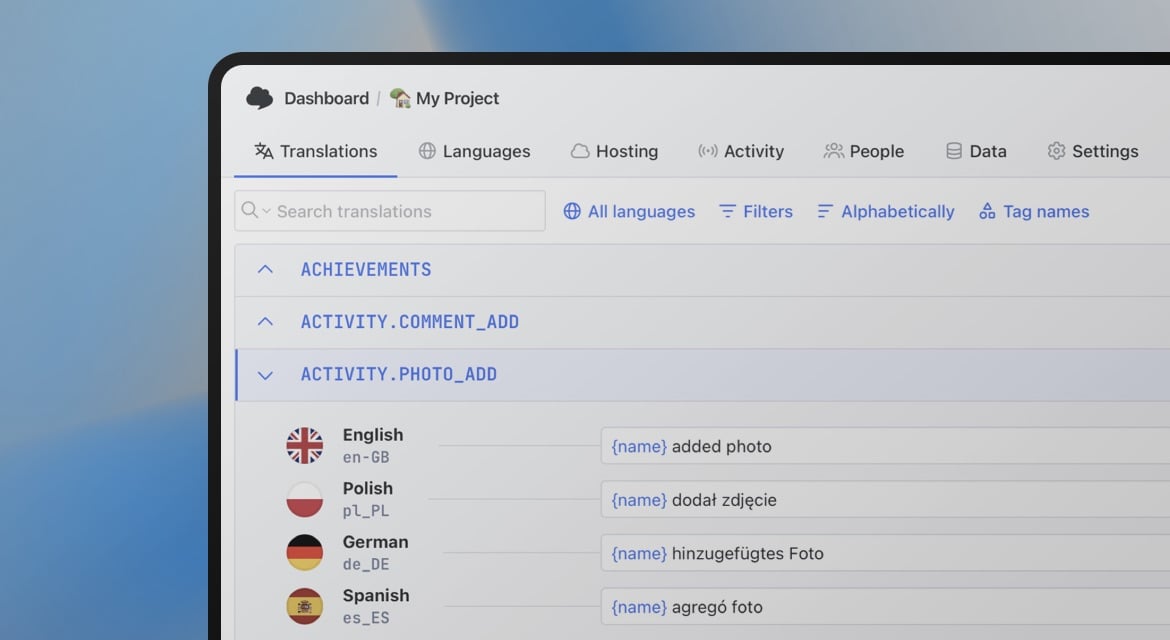
SimpleLocalize lets you add key-level descriptions and screenshots regardless of which format you use, so the format choice doesn't have to determine how much context your translators get.

Multi-line strings (emails, legal, etc.)
YAML's block style (> or |) makes it easy to write multi-line strings:
booking_confirmation: |
  Dear %{name},

  Your booking at Pillow Hotel is confirmed.
  Check-in: %{checkin_date}
  Check-out: %{checkout_date}

  We look forward to welcoming you.
  — The Pillow Hotel Team
>breaks lines but keeps them in one string, while|preserves line breaks.
The equivalent in JSON requires escaping every line break:
{
  "booking_confirmation": "Dear {{name}},\n\nYour booking at Pillow Hotel is confirmed.\nCheck-in: {{checkin_date}}\nCheck-out: {{checkout_date}}\n\nWe look forward to welcoming you.\n— The Pillow Hotel Team"
}
For anything longer than two lines, YAML is significantly easier to read and edit.
ICU message format and plurals
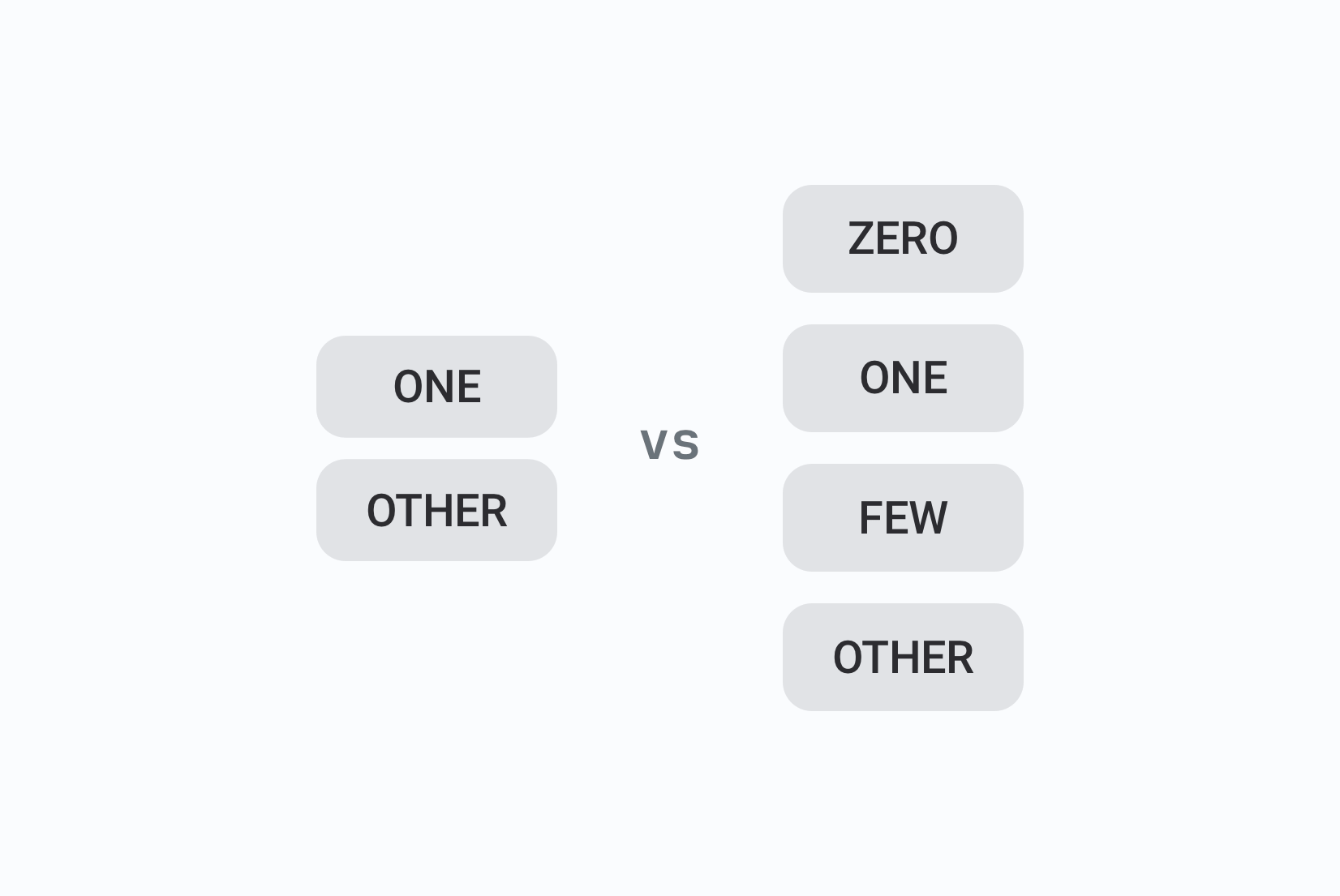
Both YAML and JSON can handle ICU message format, which is great for complex translations with placeholders and plurals. However, YAML's readability shines here:
# YAML: easier to read and edit
rooms_booked: "Welcome, %{name}! You have {count, plural,
  one {# room booked}
  other {# rooms booked}
}."
In JSON, it looks more cluttered:
{
  "rooms_booked": "Welcome, {{name}}! You have {count, plural, one {# room booked} other {# rooms booked}}."
}
The logic is identical. YAML just makes the structure easier to see when a translator needs to adapt the plural forms for their language. For a deep dive into pluralization rules across languages, see our pluralization guide.
Reuse with anchors (YAML only)
YAML's anchors (&) let you define a piece of content once and give it a label. Aliases (*) let you reference that label elsewhere in the file.
labels:
  confirm: &ok "OK"
  dialog_confirm: *ok  # reuses "OK"
  dialog_close: *ok
This is a great DRY (Don't Repeat Yourself) feature. Useful for shared labels like button text, status strings, or repeated legal disclaimers. The caveat: not all TMS tools preserve anchors on export, so verify your tooling before building a workflow that depends on them.
Nested structures
Both formats support nesting, but the visual difference is noticeable at depth:
# YAML: indentation carries the structure
site:
  name: "Pillow Hotel"
  slogan: "Your comfort, our priority"
navigation:
  home: "Home"
  rooms: "Rooms"
In JSON, it looks like this:
{
  "site": {
    "name": "Pillow Hotel",
    "slogan": "Your comfort, our priority"
  },
  "navigation": {
    "home": "Home",
    "rooms": "Rooms"
  }
}
In large files with deep nesting, JSON's bracket noise compounds. YAML stays readable. The trade-off is that YAML's indentation is load-bearing: a mistake in structure is harder to spot visually.
Diffs and code review
YAML produces cleaner diffs because there's less punctuation noise. A change to a single translation value in YAML shows exactly one modified line. The same change in JSON may show surrounding comma changes or brace adjustments depending on position in the file.
For teams doing translation reviews in pull requests, this is a real practical difference.
Use
Update orderimport option in SimpleLocalize to keep the order you set in your translation files in the translation editor.

Encoding and special characters
Both formats handle UTF-8 fully. YAML accepts emojis and Unicode characters
directly in values. JSON can use either direct Unicode or \uXXXX escape
sequences.

One YAML gotcha: certain characters require quoting or they break the parser. Colons followed by a space, hash signs at the start of a value, and ampersands all need to be quoted:
# These will break YAML parsing
tagline: Your comfort, our priority: guaranteed
hashtag: #PillowHotel
brand: Pillow & Comfort Hotels

# Quote them
tagline: "Your comfort, our priority: guaranteed"
hashtag: "#PillowHotel"
brand: "Pillow & Comfort Hotels"
JSON's strict quoting requirement means this class of error doesn't exist, since all string values are already quoted.
Security and parsing
Both formats are safe with modern, maintained libraries.
- JSON: safer by default due to strict syntax; no execution risk in standard parsers
- YAML: some older parsers supported arbitrary code execution via !! tags. Avoid these tags and use a modern parser (PyYAML 6+, js-yaml 4+, snakeyaml with safe loader)
The hybrid approach: YAML for translators, JSON for runtime
Many teams end up here eventually. The pattern:
- Source files: YAML — translators and developers edit these, comments provide context, diffs are clean
- Runtime files: JSON — the app consumes these, fast parsing, framework-native
The conversion happens at build time or as part of the export step in your TMS. With SimpleLocalize, you import YAML and export JSON (or vice versa) without any manual conversion scripts.
# Import YAML source files
simplelocalize upload \
  --apiKey YOUR_API_KEY \
  --uploadPath "locales/en.yml" \
  --uploadFormat yaml

# Export as JSON for your React/Next.js frontend
simplelocalize download \
  --apiKey YOUR_API_KEY \
  --downloadPath "public/locales/{lang}/common.json" \
  --downloadFormat single-language-json
This gives you the readability of YAML in your translation workflow and the performance of JSON in production without having to choose one permanently.
For the full automation workflow including CI/CD integration, see our guides on auto-translating YAML files and auto-translating JSON files.
Best practices for YAML and JSON in translation files
Here are some best practices to follow when using YAML or JSON for translation files:
- One locale per file, or small per-namespace files (e.g.,
en.json,fr.json,home.yaml,auth.yaml). This keeps files manageable and avoids conflicts. - Use clear keys: Use descriptive keys that make it easy to understand the context of each string. Avoid abbreviations or cryptic names.
- Document placeholders: Describe variables like
{{name}}or%{count}. - Don't overnest: Don't nest too deeply and keep structures simple.
- Keep context near strings: YAML comments or TMS descriptions.
- Automate validation: Check missing/extra keys across locales using tools or scripts.
With SimpleLocalize, you can:
- Import/export both YAML and JSON.
- Preserve order during import with
Update orderoption. - Add descriptions for translators.
- Assign tags or namespaces for better organization.
- Automate updates with CLI or API.
Decision time: YAML or JSON?
Choose the format that fits your workflow. For machine-only processing, JSON offers speed and strict validation. For files frequently edited by people, YAML's readability and support for comments make collaboration easier.
Choose YAML if:
- Your stack is Rails, Symfony, or another YAML-native framework.
- Translators or non-developers edit files directly.
- You want inline comments and cleaner diffs.
- Your strings include multi-line content like emails or legal text.
Choose JSON if:
- Your stack is React, Next.js, Vue, Angular, or another JavaScript framework.
- Translation files are consumed directly by the runtime.
- You want strict validation and maximum tooling compatibility.
- Speed and parse performance matter.
Use both if:
- Translators work in one format and the runtime consumes another.
- You have a mixed stack (Rails backend + React frontend).
- You want the benefits of each format at the right layer.
Conclusion
YAML and JSON are both good choices for translation files. The decision comes down to three things: what your framework expects, who edits the files, and whether runtime performance or authoring experience matters more for your workflow.
If your stack has a clear default, follow it. If you have flexibility, YAML is better for human editing and JSON is better for machine consumption. If you need both (and many teams do) use a TMS that handles the conversion so you never have to choose permanently.
SimpleLocalize supports both formats with full import and export, so you can start with one and switch or combine as your workflow evolves.