How to make a website multilingual: A developer's implementation guide


Browser auto-translate is not a multilingual website. It's a workaround for when you haven't built one.
This guide covers what it actually takes to make a web application properly multilingual, from restructuring your code for i18n, to choosing translation file formats, wiring up locale detection, handling dates and plurals correctly, and keeping translations in sync as your product ships.
If you're looking for the strategic layer, like market prioritization, ROI, governance, that's in the localization strategy guide for SaaS teams. This guide is for the implementation.
Step 1: Internationalize your codebase first
The single most important thing to understand: you cannot translate a codebase that wasn't built for it without significant rework. Localization starts with internationalization (i18n): restructuring your code so user-facing text lives in external files rather than inside components.
This is not optional scaffolding. It's the architectural decision that determines how expensive every future language will be.
What i18n actually means in practice
Every string a user can see gets replaced with a translation key:
// Before i18n
Welcome back, {name}. You have {count} unread messages.

// After i18n (using i18next as an example)
{t("dashboard.welcome", { name, count })}
The actual content lives in a JSON file:
// en.json
{
  "dashboard": {
    "welcome_one": "Welcome back, {{name}}. You have {{count}} unread message.",
    "welcome_other": "Welcome back, {{name}}. You have {{count}} unread messages."
  }
}
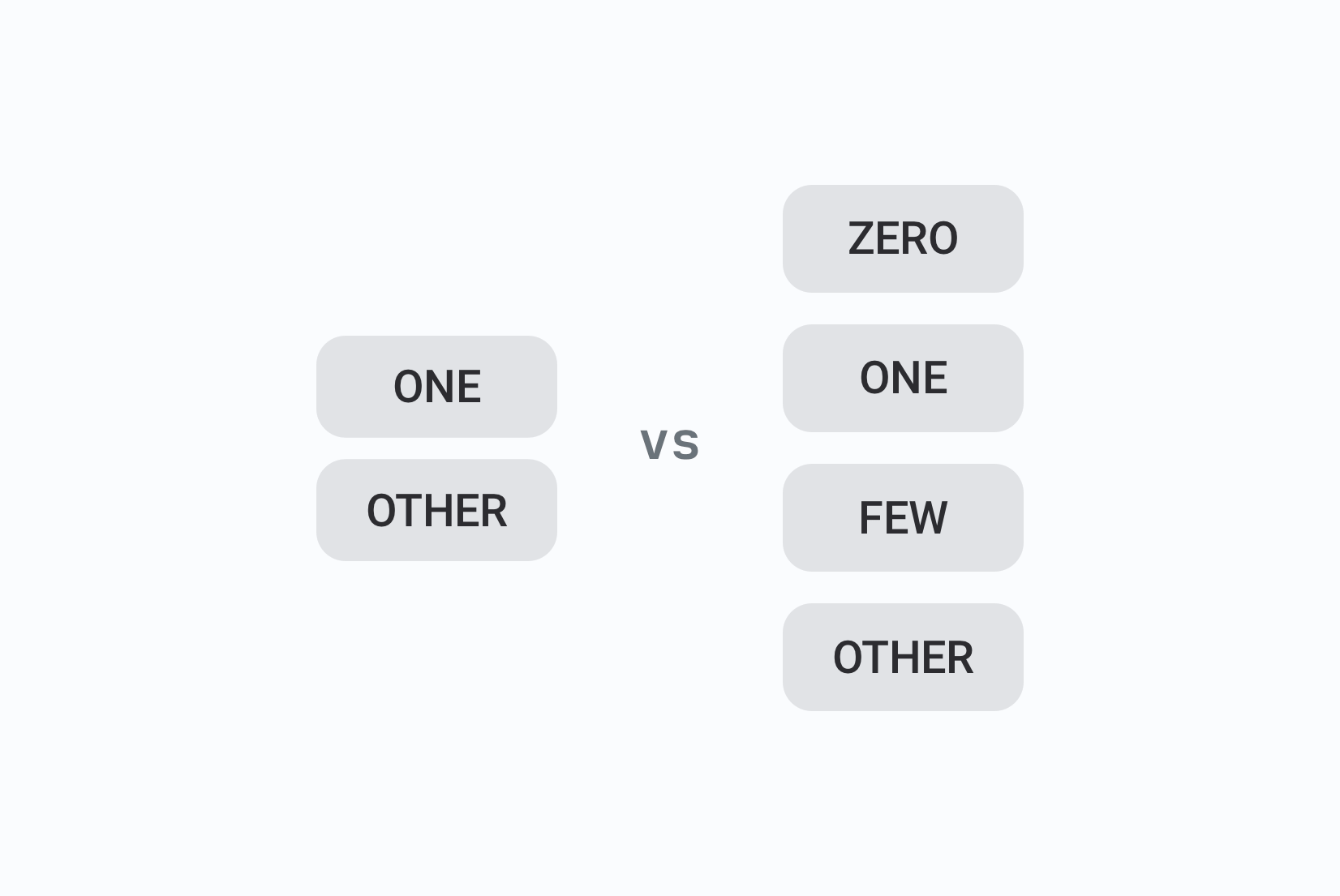
Notice the plural forms already: English has two (one and other). Polish needs four. Arabic needs six. Your i18n library handles this at runtime as long as you've structured the keys correctly, more on plurals below.
The cost of waiting: if you ship a product with hardcoded strings and decide to add internationalization later, you're touching every component in your codebase. In a mature app, that can mean weeks of work, with a high risk of missing strings that only surface in production. Build it in from day one, even if you only ship one language initially.
Step 2: Choose an i18n library for your framework
The right library depends on your stack. The major options:
React and Next.js:
- react-i18next: the most widely used, flexible plugin ecosystem, good Next.js support
- next-i18next: wraps react-i18next for Next.js App Router and Pages Router
- FormatJS / react-intl: strong ICU message format support, popular in enterprise
- Zero-Intl: lightweight, zero-dependency, CLI for extracting messages
Vue:
- vue-i18n: the standard choice
Angular:
- Built-in Angular i18n, or ngx-translate for more flexibility
Other:
- LinguiJS: framework-agnostic, good developer experience
- i18next: works across frameworks, large ecosystem
All of these follow the same pattern: define translation keys, store translations in files, load the right file at runtime, expose a t() function or equivalent in your components.
See the full comparison: Best i18n libraries for React, React Native & Next.js
Step 3: Structure your translation files
Translation files are the backbone of the system. How you structure them now determines how maintainable everything is later.
Naming and nesting
Use feature-based namespaces rather than one flat file per language. This keeps files smaller, loads faster, and makes ownership clearer:
translations/
  en/
    common.json      ← buttons, labels, shared UI
    settings.json    ← settings page
    billing.json     ← billing section
    onboarding.json  ← onboarding flow
  de/
    common.json
    settings.json
    ...
Each namespace loads independently. A user on the billing page only loads billing.json and common.json, not your entire translation set.
Key naming conventions
A few conventions that prevent technical debt:
// Consistent, scoped, readable
{
  "settings": {
    "save_button": "Save changes",
    "cancel_button": "Cancel",
    "title": "Account Settings"
  }
}

// Flat, collides easily, hard to organize
{
  "save": "Save changes",
  "settingsTitle": "Account Settings",
  "btn_cancel": "Cancel"
}
Use snake_case or camelCase consistently. Nest by feature. Avoid abbreviations. Keys should be readable without their translation value.
Check out our best practices for creating translation keys.
Choosing a file format
JSON is the default for JavaScript ecosystems. But the choice depends on your stack:
| Format | Best for |
|---|---|
| JSON | React, Vue, Node.js |
| YAML | Ruby, config-heavy systems |
| PO/POT | PHP, Python, WordPress (gettext) |
| ARB | Flutter |
| .strings / .xcstrings | iOS/macOS |
| XML | Android |
| XLIFF | Enterprise, professional translation exchange |
Check the comparison: YAML vs JSON for translation files
Step 4: Implement locale detection
Your app needs to determine which locale to serve each user. The main strategies:
URL-based (recommended for public sites)
The locale is encoded in the URL path or subdomain:
example.com/en/pricing
example.com/de/pricing
de.example.com/pricing
This is the best approach for SEO because search engines index each locale separately, giving you organic visibility in each language. It's also explicit: the user always knows which locale they're viewing, and links are shareable.
In Next.js App Router, you configure this in next.config.js and handle locale resolution in middleware:
// middleware.js
import { match } from '@formatjs/intl-localematcher';
import Negotiator from 'negotiator';

const locales = ['en', 'de', 'fr', 'ja'];
const defaultLocale = 'en';

export function middleware(request) {
  const headers = { 'accept-language': request.headers.get('accept-language') ?? '' };
  const languages = new Negotiator({ headers }).languages();
  const locale = match(languages, locales, defaultLocale);

  // Redirect to locale-prefixed URL if not already there
  const { pathname } = request.nextUrl;
  if (!locales.some(l => pathname.startsWith(`/${l}`))) {
    return Response.redirect(new URL(`/${locale}${pathname}`, request.url));
  }
}
Cookie-based
Store the user's locale preference in a cookie after they select it manually. Works well for apps where locale is a user preference rather than a routing concern (authenticated dashboards, for example). Not great for SEO since URLs don't change.
Accept-Language header
Read the Accept-Language header to make an initial guess. Use it as a starting point, not a final decision: the header reflects browser configuration, not necessarily the user's actual preference. Always let users override it.
In practice, combine all three: detect from Accept-Language on first visit, encode in the URL for SEO and cacheability, persist in a cookie or user profile for returning users, and always expose a language selector for manual override.
For more details, check out our guide on URLs in localization.
Step 5: Handle dates, numbers, and currencies correctly
This is where many apps quietly break. Never hardcode format strings.
The JavaScript Intl API handles locale-aware formatting without any library:
// Dates
new Intl.DateTimeFormat('de-DE', {
  dateStyle: 'long'
}).format(new Date());
// → "20. März 2026"  (not "March 20, 2026")

// Numbers
new Intl.NumberFormat('fr-FR').format(1234567.89);
// → "1 234 567,89"  (not "1,234,567.89")

// Currencies
new Intl.NumberFormat('ja-JP', {
  style: 'currency',
  currency: 'JPY'
}).format(12500);
// → "¥12,500"
Always store timestamps in UTC. Convert to the user's timezone only at display time.
Check also: Number formatting in JavaScript
Step 6: Handle pluralization properly
English has two plural forms. Many languages have more. Getting this wrong is one of the most visible localization bugs.
Modern i18n libraries support ICU message format for pluralization:
// English (2 forms: one, other)
{count, plural,
  one {You have # unread message}
  other {You have # unread messages}
}

// Polish (4 forms: one, few, many, other)
{count, plural,
  one {Masz # nieprzeczytaną wiadomość}
  few {Masz # nieprzeczytane wiadomości}
  many {Masz # nieprzeczytanych wiadomości}
  other {Masz # nieprzeczytanej wiadomości}
}
The application code passes count and the library picks the right form. You never write conditional logic for this in your components;that logic lives in the translation file, where the translator can handle it correctly for their language.
Learn more:
How to handle pluralization across languages
ICU message format guide
Step 7: Add a language selector
Users need to be able to choose their language explicitly. A few rules:
- Don't use country flags to represent languages. Spanish is spoken in 20+ countries. English in dozens more. A US flag for English excludes Australian, British, Canadian, and every other English-speaking user. Use language names or ISO codes instead.
- Show language names in the language itself: "Deutsch", not "German". "日本語", not "Japanese".
- Make it findable: navigation header or footer, never buried in settings alone.
- Persist the choice: store it in a cookie or user profile so it survives page loads.
Related:
Tips for creating a language selector
Top language selector UX examples
Step 8: Manage translations at scale
Once you have more than one language and more than one contributor, you need more than a folder of JSON files.
The problems that emerge quickly:
- A developer adds a new key. Translators don't know it exists.
- A string gets updated in English. The German translation is now stale.
- Three languages are complete. Two are at 60%. You can't easily tell which.
- A translator changes a key. The developer's local file is now out of sync.

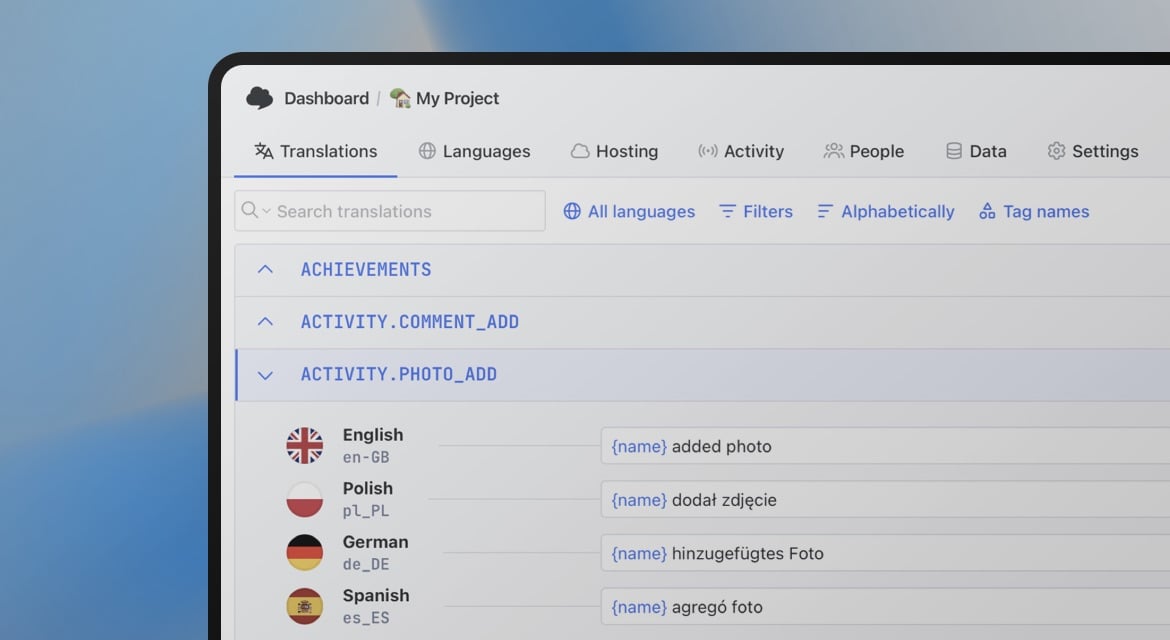
A translation management system (TMS) like SimpleLocalize solves all of this. It gives translators a proper editing interface, tracks completion per language, integrates with your CI/CD pipeline to sync keys automatically, and supports auto-translation with DeepL, Google Translate, or AI models for a first-pass draft.
The basic workflow with a TMS:
- Developer adds a new key to the source code
- CI pipeline pushes the key to the TMS on commit
- Translator translates it in the editor (or auto-translation does a first pass)
- Reviewer approves
- CI pipeline pulls the approved translation back into the build
This is called continuous localization: translation runs in parallel with development rather than as a separate batch step. Every release ships fully translated.
Learn more:
Continuous localization: What it is and how to implement it
Localization workflow for developers: From CLI setup to CI/CD automation
Building on top of this
This guide covers the core implementation path. From here, depending on your product's scale, you'll likely need to go deeper on:
- RTL layouts for Arabic, Hebrew, Persian: more than just flipping text direction
- Pseudo-localization for testing layouts before real translations exist
- Performance: lazy-loading translation namespaces, edge delivery via CDN
- Multi-tenant localization for SaaS products where different customers need different terminology
- CI/CD automation: pushing keys on commit, pulling translations before deploy
All of these are covered in the complete technical guide to i18n and software localization.
Checklist: Making a website multilingual
Before you ship your first localized release, verify:
- All user-facing strings use translation keys (no hardcoded text in components)
- Translation files are structured in namespaces by feature
- Locale detection is implemented (URL-based for public pages)
- Users can manually select and override their language
- Dates, times, numbers, and currencies use
Intlformatting - Pluralization uses ICU format or equivalent (not hardcoded conditionals)
- Language selector doesn't use flags
- Translation files are synced to a TMS for contributor workflow
- CI/CD pipeline pushes new keys and pulls translations on deploy
- Missing keys show a fallback (source language), not an empty string