MCP for
AI engineers
Connect your agent to SimpleLocalize and let it manage keys, translations, and publishing through the Model Context Protocol. Works with Cursor, Windsurf, GitHub Copilot, Claude Desktop, and custom agent runtimes.

Why teams use it
Your agent can talk to localization data
Translation management becomes part of the same workflow where code is written and reviewed.
Stay inside your editor
Ask your AI agent to add or update translation keys directly from source code context.
Batch translation updates
Run bulk updates for missing translations across languages with one prompt.
Publish from agent
Trigger hosting publication for a selected environment after your review pass.
Watch the workflow
MCP localization in Cursor AI
See a real session where an AI agent uses the SimpleLocalize MCP server to work with translation keys and translations directly from the editor.
Installation
MCP config in 30 seconds
Create a project API key in SimpleLocalize and add this config to your MCP client. Replace SIMPLELOCALIZE_API_KEY with your key value.
Capabilities
Exposed MCP Tools
createTranslationKeys: Bulk key creation from codeupdateTranslationsBulk: Multi-language text updatesgetTranslations: Fetch missing translations by localepublishHosting: Trigger zero-downtime hosting deploymentmanageLanguages: Add or delete project locales
Local development
Build and debug your own MCP workflow
You can run the server locally, attach MCP Inspector, and test tool responses before sharing configuration with your team.
See full setup in MCP documentation and source code on GitHub.
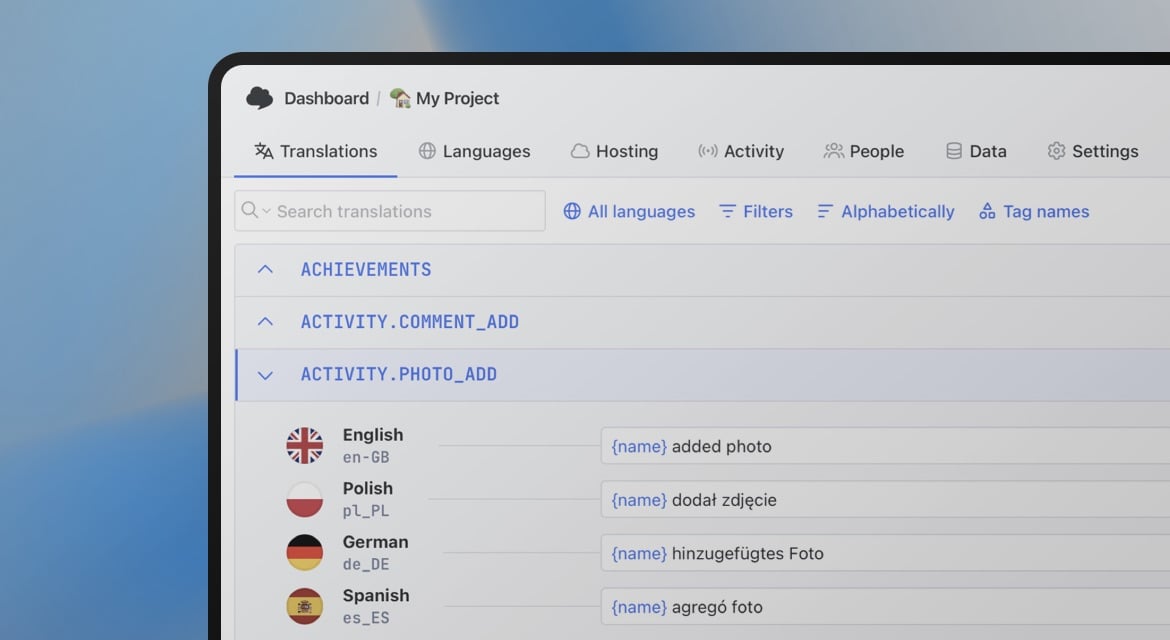
Connect your AI agent to localization
- Cursor, Windsurf, Copilot, Claude Desktop support
- Bulk key and translation operations
- Hosting publish from MCP tools
"The product
and support
are fantastic."
"The support is
blazing fast,
thank you Jakub!"
"Interface that
makes any dev
feel at home!"
"Excellent app,
saves my time
and money"
Frequently asked questions
Which AI clients support SimpleLocalize MCP?
Any client supporting standard Model Context Protocol (stdio transport) works out of the box, including Cursor, Windsurf, Claude Desktop, and GitHub Copilot.
Do I need a paid SimpleLocalize account?
No, the MCP server works with free-tier SimpleLocalize projects using your project API key.
How does the agent know which translation keys to create or update?
The agent reads your codebase context (such as React useTranslation hooks, i18next calls, or JSON translation files) and compares key usages directly against your SimpleLocalize project using the getAllTranslationKeys tool.
Can I use the SimpleLocalize MCP server in CI/CD pipelines or headless agents?
Yes. The MCP server runs via npx or Node.js over standard input/output (stdio), making it compatible with custom agent runtimes, CLI workflows, and automated scripts.